
I consider the beginning of every year a blank sheet of paper, left before me with no guidance. It does not propose dramatic resolutions, but merely the easier process of reconsideration. One sees what has built up over time and wonders with honesty whether it is still useful. This year I intend to test that on the applications and services that consume so much of my day to day attention.
I use a lot of them, not necessarily because I believe in them, but because it is a habit and that is why a change is long overdue. It has two motives. The first is practical. Some of these tools have become unnecessary: they are either bulky, restricted, or expensive to the extent that they are not valuable. The second reason is less material, but no less real. The introduction of a new system, which must be learned and evaluated at the outset, introduces an element of alertness which is dulled by the routine.
The following is a description of the changes that I will implement, and the rationale behind them. It is not presented as teaching, but as example. To any person who shares that same discomfort with the status quo, it can be a wakeup call to do his/her own adjustments.
Music Streaming Transition: Leaving YouTube Music for Deezer
This year, I have decided to abandon YouTube Music. It is not much about money and much about use and interest which have been decreasing steadily. I like the design of Deezer more. It is not crowded but restrained and it creates an impression that somebody has chosen what is important and what is not. It is thus less wearing to use. There is no need to scroll through an endless stream of suggestions generated by an algorithm with which one does not feel connected.
The way the lyrics are handled is also better: they are presented at the appropriate time and in a manner that is easy to the eye. Of greater significance is how the service presents new music. In my case, Deezer can do this task quite successfully with its Flow feature. It mixes old tunes with new ones in a manner that is not haphazard. My use of music has been consistent, and I often find something worth retaining when I listen to it, but my recent experience with discovery on YouTube Music has been mixed at best.
Cost was previously the biggest barrier to a permanent switch, as Deezer tends to be more expensive than the YouTube package. Occasionally, though, the company does have reductions and I will use one when it comes. Anyway, I am ready to spend more on a service that is more thought-out, both in its appearance and in its functionality.
Task Management Switch: Replacing Todoist With TickTick

Todoist has been my habitual tool to such an extent that I cannot remember how many years I have been using it. It has been a constant help in maintaining order during that period among my duties, whether they pertained to my work or my personal life. Its merits are too obvious: it is simple, flexible, and pleasing to the eye, and I admit that I appreciate the simplicity of design more than I should.
But there are also reasons why I will not keep it this year. The first is the cost which is the most immediate. In the late part of last year the company had announced that its prices were going to go up drastically. The monthly subscription increases by five to seven dollars, which is not a small increment, and the annual plan increases by a slightly smaller percentage. These changes could be justified in case they resulted in the obvious benefits, but considered separately, they require a re-evaluation.
Since I have been a long-term user of the service, I am still on an older plan. This has the benefit of maintaining the original price, with a clear cost. Henceforth, any new functionality will be held back unless I consent to upgrade to the new and costly tier. I must also accept the increase in case I desire progress. This arrangement is something that I can hardly agree with as the user has very little real choice.
That is why I am resorting to TickTick. I have tried it long enough to realize that it fits my needs reasonably well. I did consider creating a system of my own in Notion, which would have been free of charge, but the experience demonstrated the limitations. It is able to mimic a task manager, but can’t replace one fully. In the meantime, then, TickTick will suffice; unless something better offers itself before my present subscription expires.
Budgeting App Change: Moving Away From YNAB to Wallet
YNAB has long since paid off in my budget. It has been helpful, sometimes educative and even comforting. However its price has been slowly rising to the point where it now requires a price that seems disproportionate to the work it does. Fifteen dollars a month or somewhat more than a hundred a year is a large sum to pay, when it comes to what is, after all, a device to keep one’s own books in order.
The cost is not the main challenge though. Another weakness is more critical in the issue of connections. The service YNAB uses to connect banks with user accounts does not work with the banks that I use in Europe. Consequently, all the transactions have to be done manually. This is tedious business, and it chastises any negligence. Absent a week or two, and one is faced with a backlog so great as to make the effort not worth the trying. What is expected to be a source of clarity becomes a burden, and money management becomes a tedious obligation instead of a helpful habit.
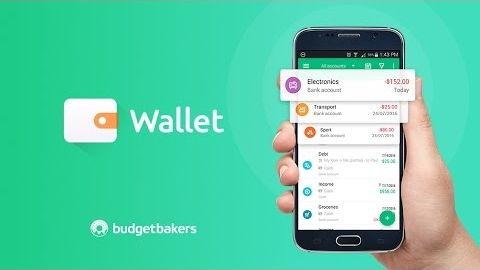
I am yet to decide on a replacement, since my subscription is yet to expire. Nevertheless, I tend towards Wallet by BudgetBakers. It links easily to all the banks that I frequent and at a fraction of the cost. It even offers a lifetime license at such a low price that it puts the fees of YNAB in perspective. I will need to make some adjustments to the manner of managing my finances to adopt it because the system I created in YNAB cannot be replicated to the letter. However, that, in itself, is no argument against the move. Change is currently not to be shunned, but embraced.
Photo Storage Adjustment: Using Google Photos Alongside Proton Drive
This instance is a little different, as I am not going to give up on Google Photos completely. I already use Google One AI Pro, and one of the reasons is that I actively use Gemini Advanced, and the plan comes with two terabytes of storage. That is a good enough place to store my main photo library and in that regard it does what I require of it.
However, some of the images and videos are more discretionary. Some are just clumsy and not worth removing, some document steps of personal development, which I am not yet willing to share. I would not wish to have them accidentally come up when a person is casually scrolling through the recent photos. To this end, there is a Locked Folder in Google Photos, but the functionality is so under-implemented that it can hardly be called such. It can be stored and that is all. It is impossible to systematize the contents, to cluster them in any meaningful way, or even to search them. What is supposed to be a home of order and privacy turns out to be a badly secreted drawer.
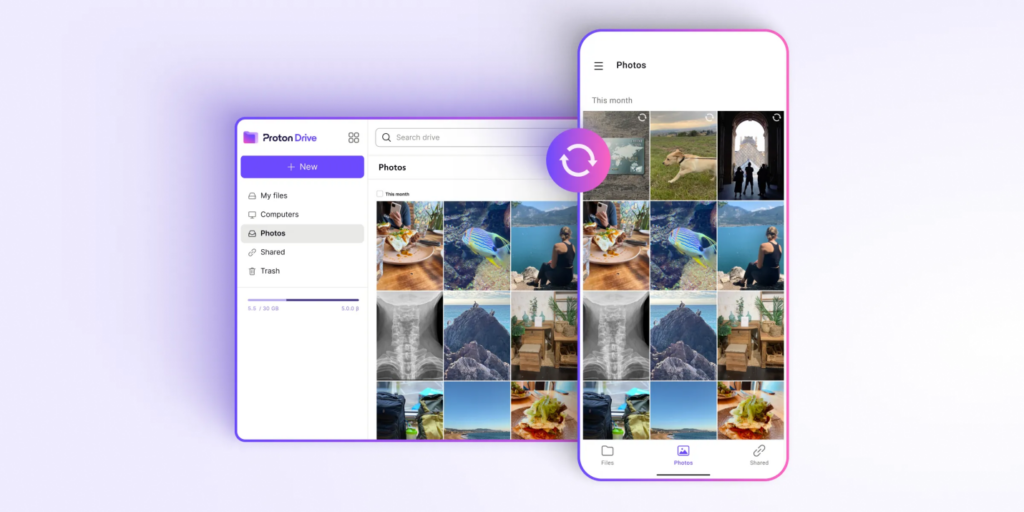
That is why I am transferring these sensitive files to Proton Drive. They will be kept behind closed doors and even encrypted such that not even the service itself can know what is stored. This is in stark contrast to the broader perspective of user data that Google has always had, which has never given much confidence to privacy issues.
The Proton account is free with five gigabytes of storage, which should be enough in this regard in the meantime. At that point, one can upgrade to the Proton Unlimited plan, which costs about ten dollars a month. This subscription would also be offered to Proton Pass, and their VPN and other services. That decision can wait. At least, the free version is responsive to the requirement, and it is not complicated.
Password Manager Replacement: Switching From Bitwarden to Proton Pass
Bitwarden does its work sufficiently well in the normal conditions, but there are occasions when its minor flaws become noticeable. The automatic filling of passwords is not certain on Android, especially, and it is too often necessary to resort to manual copying and pasting. Worse still is that it does not provide an option of saving a new password when an account is just created. The omission itself is not a big issue, but when repeated frequently enough, it becomes a cause of unnecessary interruption, where the user must do it again later, and fix what ought to have been done immediately.
I am thus transferring to Proton Pass, hoping that it will eliminate these minor yet constant annoyances. I have been quite pleased with other services provided by Proton, and its privacy concern is not just promoted but, in fact, can be traced in practice. Though the paid version includes some refinements, including an in-built two-factor generator, the free version is generous enough to be used without sacrifices. It permits an unlimited number of devices, entries and a modest amount of masked email addresses. At least that is sufficient at the moment.
Conclusion
Change is not as much revolution as it is acknowledging that you have been living with mediocrity due to sheer laziness. These switches are not very heroic. I am just an individual who eventually became weary of manually keying in bank transactions like a digital peasant.
Will these new apps be better, or will I be writing this same article in 2027, reversing all that? Hard to say. I have my doubts that I will be replacing one pile of irritations with another, like moving deck chairs on a very costly, subscription-based Titanic.
But that is not what it is all about. The action itself is important, the action of doubting whether the tools which are used by you are really, well, serves you well. In some cases the only thing technology can do is remind us that we have the right to demand better.