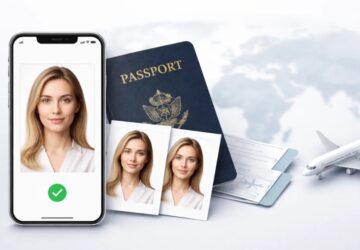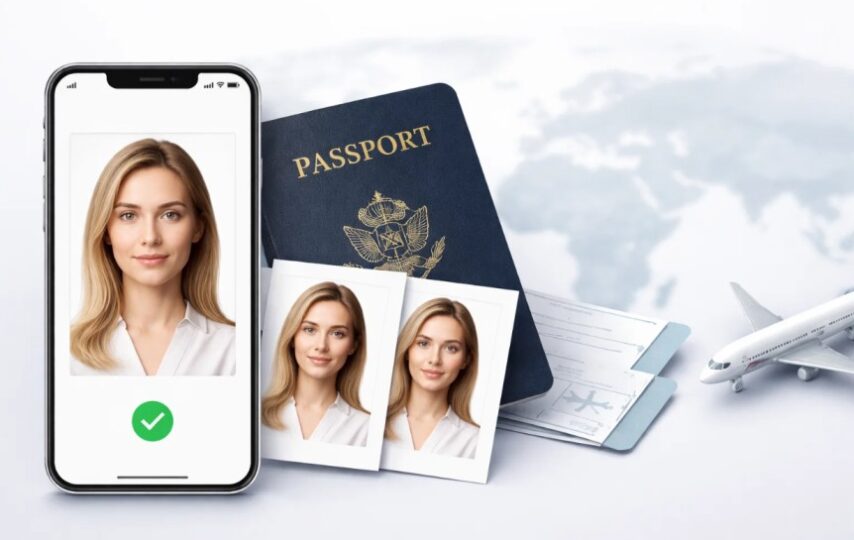

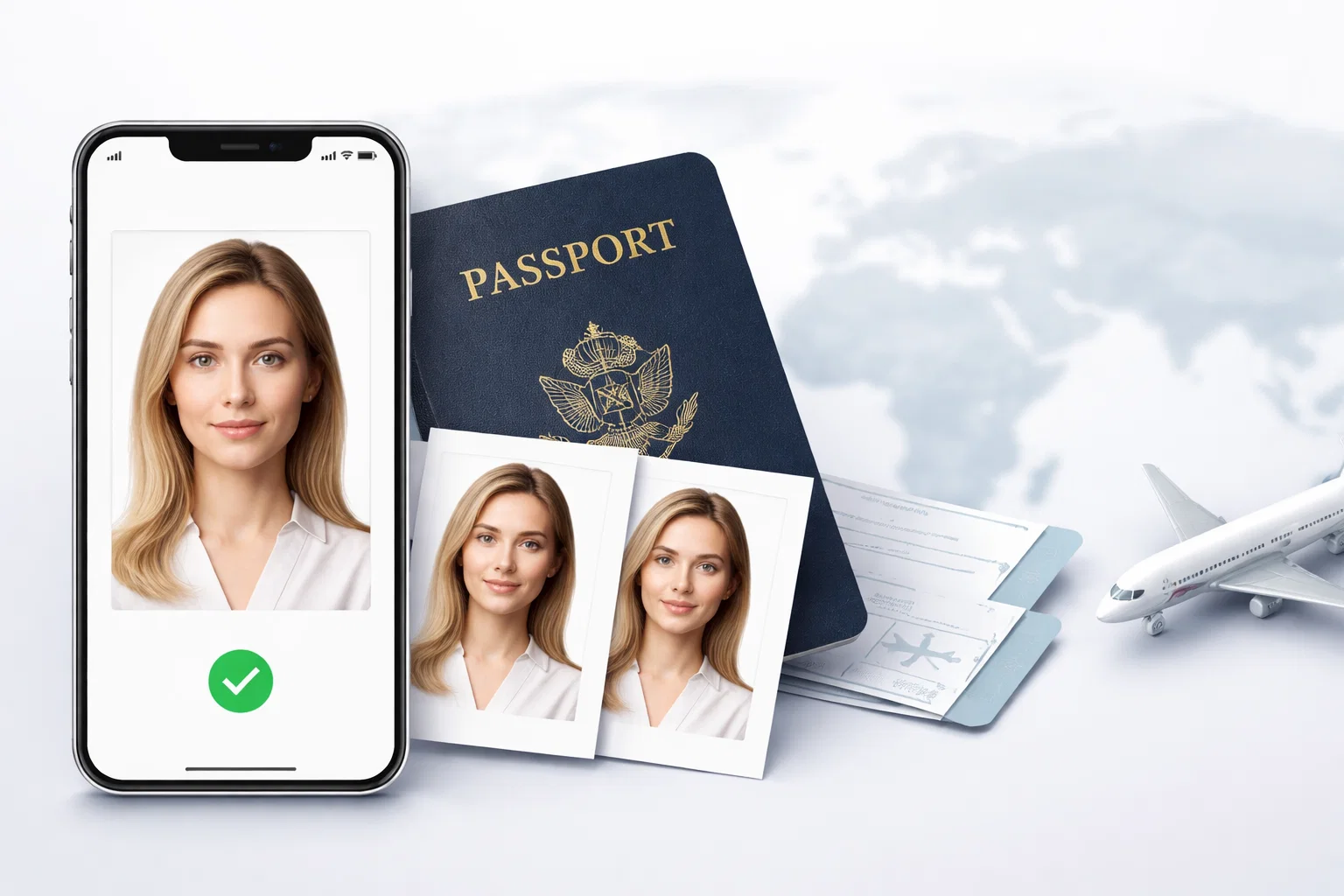
Quick Answer: If you want a US passport photo that passes government review without a trip to the drugstore, PhotoGov is the most consistently reliable service for straightforward adult renewals and digital submissions. For families, travelers in a hurry, or just about anyone submitting electronically, the right tool depends on your specific situation — and that’s exactly what this guide helps you sort through.
There are more ways to fail a US passport photo than most people realize. The U.S. Department of State has cited photo issues as one of the top reasons applications get returned — and the bar was raised further in 2026 when new rules prohibited digitally manipulated pictures.
Most people still pick a passport photo tool by looking at a star rating and crossing their fingers. This guide works differently.
Rather than a general ranked list, it matches tools to scenarios. The app that works for a solo adult renewing online isn’t the one that works with a squirming infant or a same-day print deadline.
We reviewed 10 tools across 6 criteria:
- Accuracy of compliance (current U.S. State Dept. standards)
- Ease of use
- Speed (from uploading to downloading)
- Cost
- Print options
- Realistic rejection risk
All tools were tested on both desktop and mobile. Tools that appeared to apply beauty filters or otherwise modify faces were red-flagged — see the next section for why.
Find your situation. Find your tool.
Before You Choose an App: Why Passport Photos Get Rejected
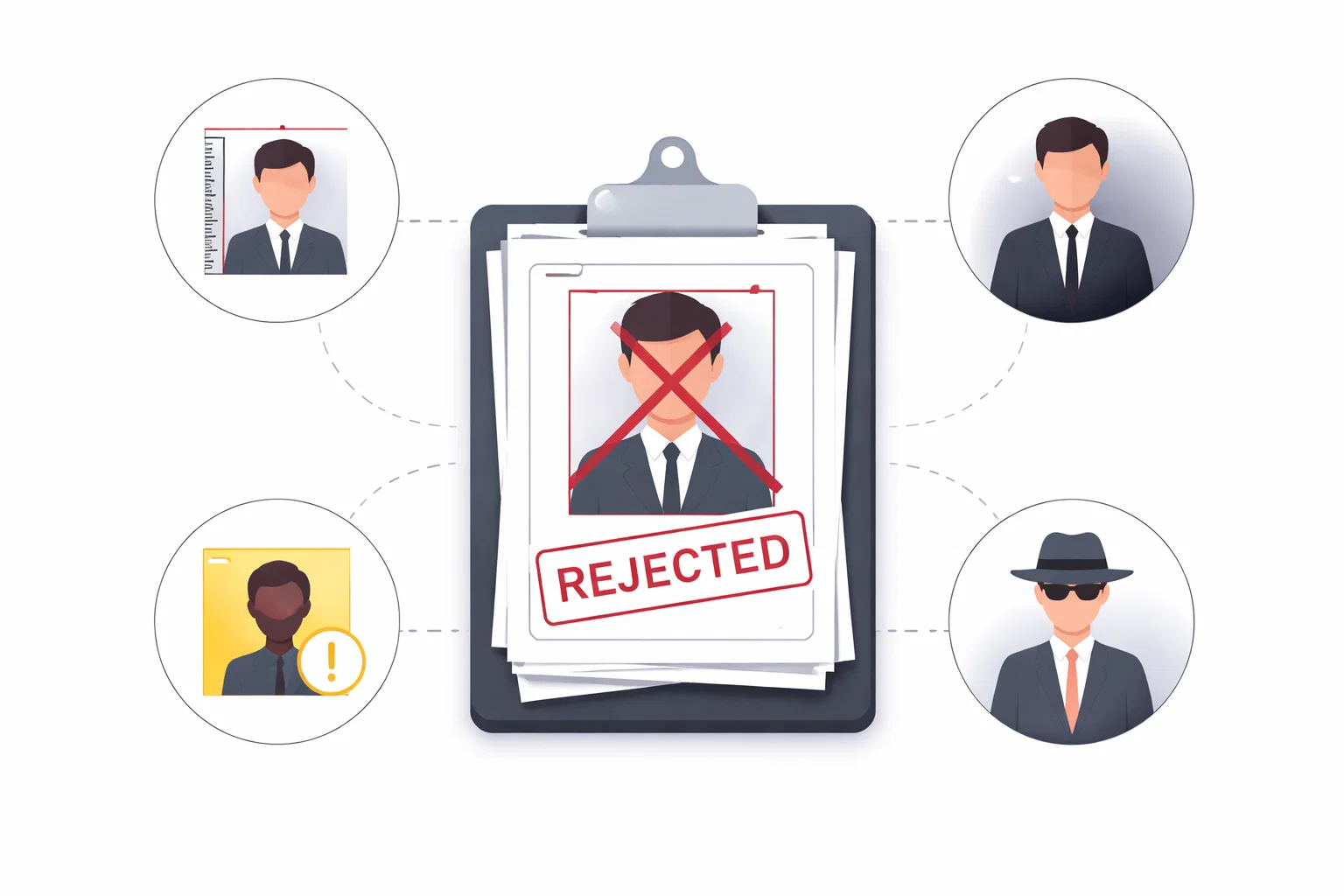
Bad pictures don’t cause most rejections. They’re pictures that seem fine to the naked eye but don’t pass the government’s automated checks.
Here is what the system is actually evaluating:
- Head size — the face should cover 70 to 80 percent of the photograph
- Eye position — eyes need to fall within a specific vertical range
- Background — solid white or off-white only, no shadows
- Expression — neutral, mouth closed
- Lighting — no strong shadows on the face or behind the subject
- File specs — resolution, file size, color profile, and more for digital submissions
A photo can be rejected for head positioning or shadow detection and still look perfectly fine to you.
What the State Department Actually Checks (and Where Things Go Wrong)
Basically every app crops and resizes your photo. That’s it. Most don’t validate head position against biometric tolerances, check shadow levels, or confirm that your image meets the file specifications required by the State Department’s online renewal portal.
The gap between “looks right” and “is compliant” is where the vast majority of rejections happen.
The 2026 AI Editing Ban — Why “Enhancement” Tools Are Now Your Enemy
Beginning in 2026, the State Department no longer accepts photographs that have been digitally manipulated — and that includes not only smoothed skin and altered facial features, but also blemish removal and background modifications that aren’t consistent with natural light.
Several well-known apps apply these “enhancements” automatically, without informing you.
Watch out for:
- Any app claiming to have “beauty modes” or “skin smoothing”
- Tools that touch up your photo before you see a preview
- Apps where the result looks noticeably better than your original photo
If a tool makes you look better, it might be making your application worse.
How We Assessed These Tools
There is no single passport photo app that works for everyone. We rated all ten tools on the same six criteria.
- Compliance Accuracy — Does the tool check head position, background, lighting, and file specifications against the latest U.S. State Department standards, or is it just cropping and resizing?
- Ease of Use — How many steps are there from launching the app to getting a usable photo? Is there guidance along the way?
- Speed — Total processing time ranges from about 60 seconds (automated) to a few minutes (human review queue), depending on wait times.
- Cost — How much does one compliant photo actually cost, including any steps required before you can download?
- Print Options — Can the app produce a 4×6 print-ready file? Can you order prints for in-person submissions?
- Risk of Rejection — Our overall assessment — low, medium, or high — based on compliance depth, potential for user error, and whether a human review step exists.
Tools were tested on iPhone, Android, and desktop browser, using the same set of source photos — varying lighting, multiple backgrounds, an adult, and an infant — to surface issues that come up in real-world use.
Tools with expert or human review received additional weight. A tool that catches a problem before you submit is worth more than one that offers a refund after your application is returned.
Best Passport Photo App for Most Adults (Quick Renewal or First-Time Application)
This is the biggest use case: one adult, standard US passport, renewing online or applying in person at a post office. These two tools handled it most reliably.
#1 — PhotoGov
PhotoGov was built from the ground up to meet U.S. government photo specifications — compliance is the core product, not an afterthought bolted onto a general photo editor.
What works well:
- Precise match to State Department biometric specs
- Guided photo instructions with real-time feedback
- Digital download formatted for the online passport renewal portal
- Print or download options available
- No automated touch-ups applied to your photos
What to know:
- US-focused — not suitable if you need multi-country visa photos
- Fewer features than some competitors, by design
Price: ~$9.95 for a digital download | Rejection risk: Low
#2 — Passport Photo Online
A long-established service with one key differentiator: a human expert reviews every photo before delivery, rather than relying entirely on automation.
What works well:
- Human review catches errors that automated tools miss
- Acceptance guarantee — free retake or double refund
- Available as digital download or print delivery
- Works on iOS, Android, and web browser
What to know:
- Human review adds turnaround time — not the right choice if you need a photo in five minutes
- Your photo is processed on their servers during review
Price: ~$14.99 (digital); ~$19.99 (with printed photos shipped) | Rejection risk: Low
Best Passport Photo App for Children and Infants
Infant passport photos are rejected more often than adult photos — open eyes, neutral expression, white background, and no parents visible in the frame are all mandatory. These two apps handle those challenges better than the rest.

#3 — Snap2Pass
One of the only apps with a dedicated infant photo mode, which adjusts its compliance checks to reflect the specific rules for babies — including allowed eye positions and background tolerance when an infant is lying on a white sheet.
What works well:
- Infant-specific compliance checks flagged before submission
- Unlimited retakes — useful when photographing an uncooperative subject
- Free for basic capture; compliance validation is $4.99
What to know:
- iOS only (no Android app as of early 2026)
- Download only — no print delivery; you’ll need to print at CVS or Walgreens (approximately $0.38 per 4×6 sheet with four photos)
- No human review step
Price: Free for capture; $4.99 for compliance validation | Rejection risk: Low–Medium
#4 — iVisa Photo
iVisa is primarily a travel visa platform, but its passport photo tool is surprisingly strong — especially for families managing multiple documents at once. The expert review option is worth it if you’re submitting a child’s photo and don’t want to guess.
What works well:
- Expert review option adds a human check before delivery
- Handles passports, visas, and green cards in a single workflow
- Clean, ad-free experience on iOS, Android, and web
- Background removal performs well across a variety of shooting conditions
What to know:
- Requires contact information before showing a result preview
- No preview before payment for some document types
- Refund policy exists but isn’t easy to find
Price: $8.29 for digital; $16.99 with printed photos shipped | Rejection risk: Low–Medium
Best for Same-Day or Next-Day Prints
Some situations can’t wait for delivery — an expedited passport appointment, a last-minute visa requirement, or a post office submission due tomorrow. These two tools get you to a print-ready file the fastest.
#5 — Passport Photo Creator (Walgreens-Partnered)
An iOS app with an official Walgreens partnership. Take or upload a photo, the app formats it to State Department specifications, and you pick up prints at your local Walgreens — usually within an hour.
What works well:
- Direct Walgreens integration — no separate upload step
- On-screen prompts during photo capture
- Same-day pickup at 9,000+ US locations
- Very affordable if you already have a compliant digital file (approximately $0.39 per 4×6 print sheet)
What to know:
- iOS only
- US only — no support for visas or international documents
- Limited editing capability; works best when your original photo was taken in good lighting
- In-store full-service option available at Walgreens for $16.99 if you’d rather hand it off
Price: App is free; $0.39 to print at Walgreens with your own file | Rejection risk: Low–Medium
#6 — VisaFoto
A web-based tool that works across all devices — no app download required. Upload your photo, select your document type, and get a print-ready file in seconds. One of the fastest turnarounds of any paid service tested.
What works well:
- Instant results — no queue, no human review delay
- Covers 150+ countries and document types
- Full refund if the photo is rejected by a government agency
- No registration required
What to know:
- Web only — no mobile app
- Automated processing only; no human review
- Compliance accuracy can suffer with difficult source photos (heavy shadows, non-white backgrounds)
- No preview before payment
Price: ~$6.99 for digital download; print sheet included | Rejection risk: Medium
Best for Digital-Only Submission (Online Passport Renewal or Visa Application)
The State Department’s online renewal system has specific technical requirements: JPEG format, image dimensions of 600×600 to 1200×1200 pixels, file size between 54 KB and 10 MB, white background. Some tools produce files that look correct but don’t meet these technical specifications. The following tools handle digital submission reliably.
#7 — PhotoGov
Worth revisiting here specifically for digital submission. PhotoGov produces output files that meet the State Department’s online portal technical requirements — not just the visual guidelines, but file format, compression, and size constraints as well. That matters when you’re renewing online.
What works well:
- Output files meet State Department specifications for digital submission
- No compression that could push files outside the allowed size range
- Clean download process — no account required
What to know:
- US-focused; not suitable for international visa applications
Price: ~$9.95 for digital download | Rejection risk: Low
#8 — IDPhoto4You
A free, browser-based tool — no registration or payment required. Upload a photo, select the US passport template, crop, and download. The ceiling is lower than paid tools, but for a careful user with a good source photo, it can produce a usable result.
What works well:
- Completely free — no hidden steps before downloading
- Works in any browser on any device
- Supports 73 countries and multiple document types
- Clean, simple interface
What to know:
- No background removal — your source photo must already have a white or off-white background
- No compliance verification — head position, shadow levels, and file specs are not checked
- The site disclaims liability if your photo is rejected
- Produces print templates by default; exporting a digital-only file requires manual adjustment
Price: Free | Rejection risk: Medium–High
Best Free Options (If You’re Willing to Do Most of the Work)
Free tools can get you started, but none of them guarantee compliance. They can work if you know the rules, have good natural light, and a plain white wall. Without all of those elements, the risk of rejection is high.
#9 — Passport Size Photo Editor
A free app available on both iOS and Android. Primarily designed for taking a new photo rather than editing one, with support for 100+ countries and basic background color adjustment.
What works well:
- Free on both major platforms
- Large country and document template library
- Simple background recoloring tool
- Straightforward three-step process
What to know:
- No compliance check — head position, shadows, and file specs are not verified
- No acceptance guarantee
- Free version displays ads
- Background removal is basic; results are unpredictable with complex hair or uneven lighting
- Best used as a formatting tool, not a compliance tool
Price: Free (with ads); paid option to remove ads | Rejection risk: High
#10 — PersoFoto
A browser-based tool that does one thing well: manually crop your photo to a specific document size. No app download, no account, no payment required for basic use.
What works well:
- Free basic crop
- Works in any browser on any device
- Simple interface — upload, crop, download
- Optional paid compliance check available as an add-on
What to know:
- No background removal — your original photo must already have a plain white background
- No automated compliance checks in the free version
- Manual cropping leaves room for error
- Interface is dated and can be unintuitive on mobile
Price: Free for basic crop; paid compliance check available as add-on | Rejection risk: High
Scenario Comparison Table
Use this table to find your situation at a glance. Tools are listed by recommended scenario, not overall ranking.
</tb
| Tool | Best For | Compliance Check | Human Review | Print Option | Price | Rejection Risk |
| PhotoGov | Adult renewals, digital submission | ✅ | ❌ | ✅ | ~$9.95 | Low |
| Passport Photo Online | Human review priority | ✅ | ✅ | ✅ | ~$14.99 / ~$19.99 | Low |
| Snap2Pass | Babies, children | ✅ | ❌ | ❌ | Free / $4.99 | Low–Med |
| iVisa Photo | Families, expert review option | ✅ | Optional | ✅ | $8.29 / $16.99 | Low–Med |
| Passport Photo Creator | Same-day Walgreens prints | ✅ | ❌ | ✅ | Free + $0.39 print | Low–Med |
| VisaFoto | Fast digital output, multi-country | ✅ | ❌ | ✅ | ~$6.99 | Medium |
| PhotoGov | Digital-only portal submission | ✅ | ❌ | ✅ | ~$9.95 | Low |
| IDPhoto4You | Free, simple digital formatting | ❌ | ❌ | ❌ | Free | Med–High |
| Passport Size Photo Editor | Budget, DIY, mobile | ❌ | ❌ | ✅ | Free | High |