
Internet access has become so necessary that losing it can feel like a genuine problem. At home or in a city, there is usually a mobile signal, a Wi-Fi network, or some other way of getting connected. Travel into remote country, however, and that convenience can disappear without warning. Mountains, forests and empty stretches of road can leave your phone with nothing to work with. If you depend on online maps, messages, files or entertainment, the silence can be inconvenient at best and troublesome at worst.
The sensible answer is to make some preparations before setting out. Certain devices continue to work perfectly well offline, while others can provide a useful connection when conventional networks are out of reach. A little equipment can therefore save considerable trouble later. The following gadgets are small enough to travel easily and useful enough to justify the space in your luggage, whether your destination has excellent coverage or none at all.
1. ASUS RT-AX57 AX3000 Go travel router

A weak signal can turn a comfortable trip into an irritating one. A travel router gives you another option. The ASUS RT-AX57 Go is small enough to carry easily, yet it offers the sort of features normally found on larger home routers. Its Wi-Fi 6 hardware supports up to 3Gbps of combined wireless throughput.
It can work in several ways. At home, you can add it to an ASUS mesh network and use it as another node. Away from home, WISP mode lets it take an existing Wi-Fi connection, such as one from a hotel, and distribute it to your devices. Your gadgets then connect through the router instead of directly to the public network.
There is also a WAN port for wired internet. The USB port supports phone tethering, allowing your mobile data connection to serve multiple devices. Even without internet, it can create a local network for sharing files. USB-C handles power.
2. Kingston XS1000 2TB portable SSD
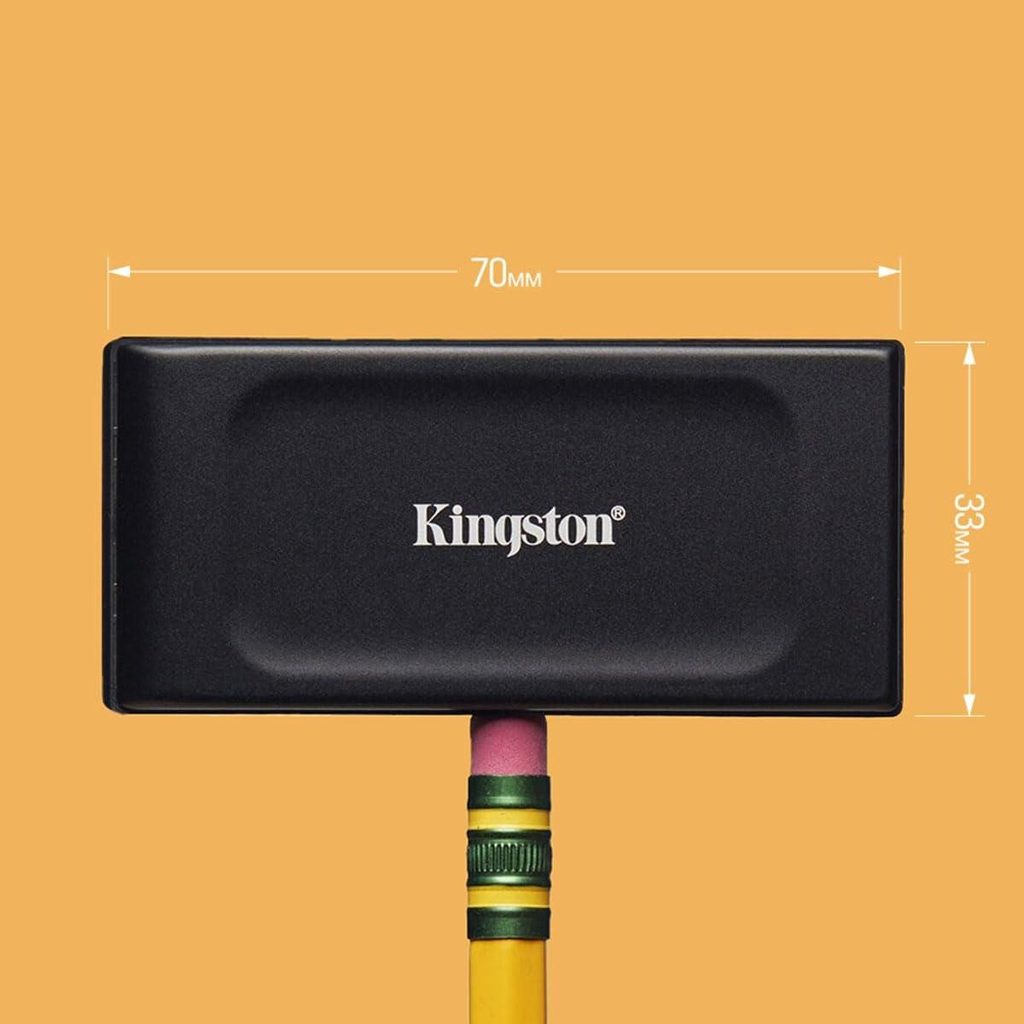
Streaming works well until you travel somewhere your favourite services cannot follow. A portable SSD solves part of that problem. The Kingston XS1000 offers 2TB of storage in a very small package. An ordinary hard drive costs less, but it has moving parts and does not take rough treatment as well. An SSD has no such weakness.
Speed is another advantage. With a suitable USB connection, the XS1000 can reach 1,050MB/s. That makes copying large files quick. You can also run applications from the drive without much trouble. Many modern phones can read external SSDs through USB, so you do not need to carry a laptop to make use of one.
The travel router mentioned earlier adds another possibility. Connect the SSD to it and you can create a simple NAS for your trip. The XS1000 is small, fast and reasonably affordable. It takes little room in your bag, yet gives you a useful supply of storage wherever you go.
3. Kindle Paperwhite
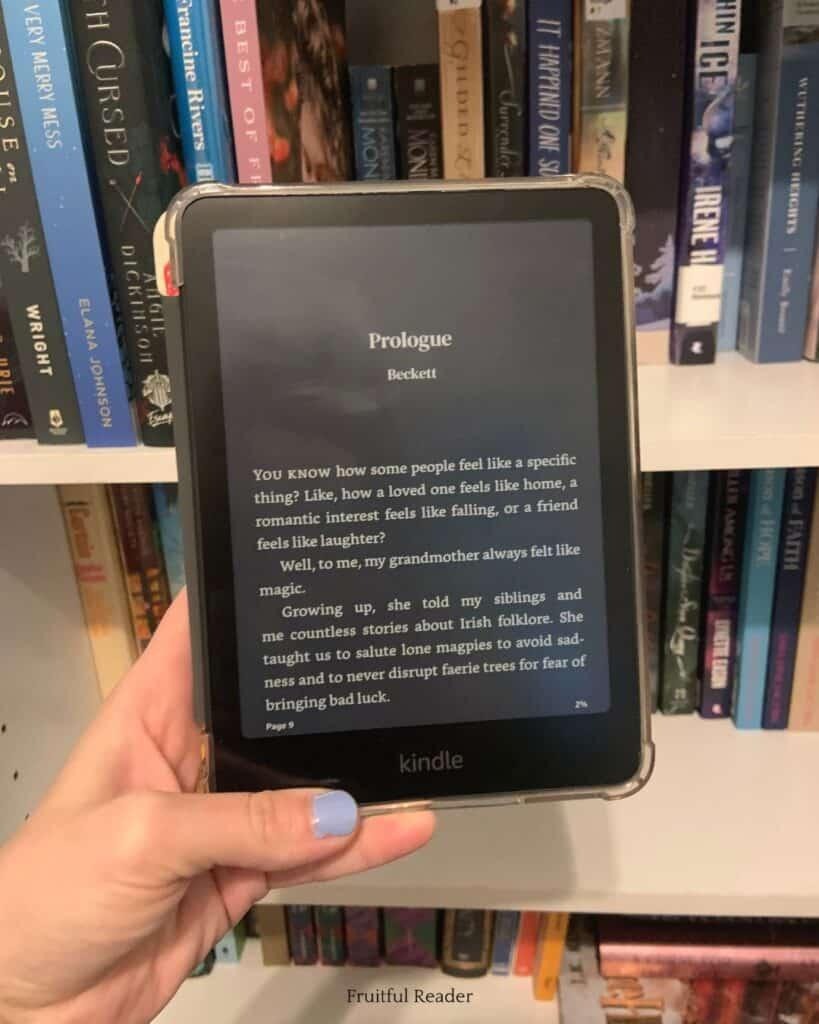
The Kindle Paperwhite remains one of the simplest ways to carry a large library without carrying much else. The current model has a faster processor and a 7-inch screen. Amazon claims weeks of battery life. The price starts at $200, although that version puts advertisements on the lock screen. Removing them costs another $20. A three-month Kindle Unlimited trial is also available, but it requires a payment method and renews automatically unless you cancel it.
For travel, the Paperwhite has an obvious advantage. It needs neither Wi-Fi nor frequent charging to keep you occupied. You can read for days in places where power outlets are scarce.
Other e-readers cost less and offer different features. The Paperwhite is particularly small and benefits from Amazon’s enormous book catalogue. That last point matters. If you want Amazon’s reading service, this is the natural choice. Otherwise, Kobo and other brands deserve consideration. For straightforward travel reading, however, the Paperwhite remains difficult to fault.
4. Nintendo Switch Lite

The Nintendo Switch Lite remains a sensible travel console. It costs less than some newer hardware and takes up little room. There is one important limitation. You cannot connect the Lite to a television because it has no docking function. A few games depend on that feature, so they will not work properly. Most Switch titles, however, run on the handheld.
Nintendo has also made the Lite more useful for travelling. Virtual Game Cards remove an old inconvenience for people who own several Switch consoles. Previously, only the designated primary machine could play downloaded games without an internet connection. Now you can move a game between consoles while online and then play it offline afterwards. That makes the Lite a better companion on long journeys.
Physical cartridges work as well. More importantly, the Switch library remains unusually strong. Nintendo supplies plenty of first-party games, while other publishers add a broad selection. For inexpensive portable gaming, the Lite still makes a strong case.
5. Twelve South AirFly Pro 2
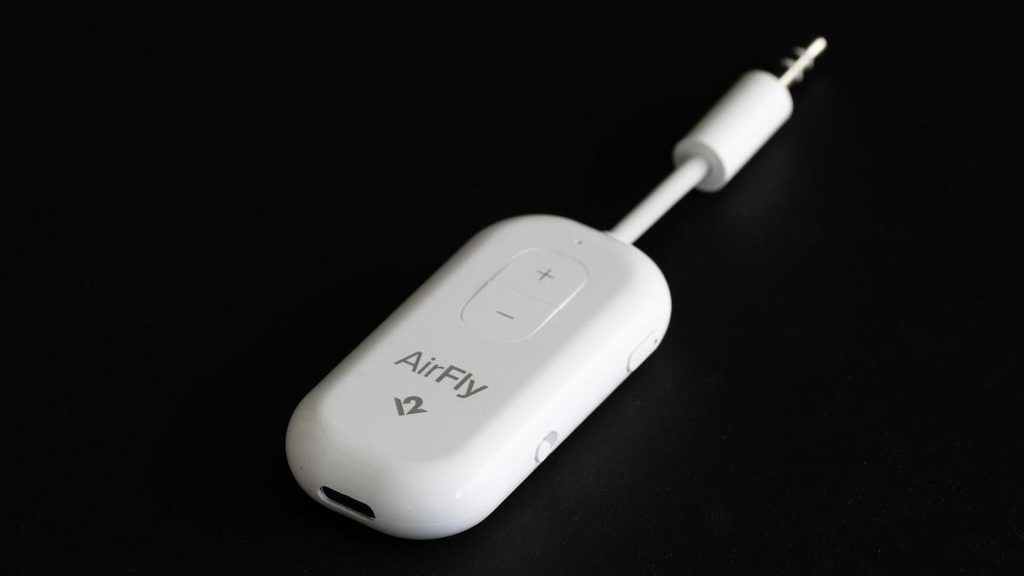
Air travel creates a simple problem. You may have films stored on your phone, but you will often want to use the entertainment screen in front of you. That brings you back to the headphone socket. If you carry only wireless headphones, you need another solution.
The Twelve South AirFly Pro 2 provides one. It is a small Bluetooth adapter that plugs into a standard 3.5mm audio connection and sends the sound to your wireless headphones. It can pair with two sets at once, which makes it useful when travelling with someone else. Its purpose is not limited to aircraft, either. You can use it with a hotel television or almost any other device with a headphone output.
The newer model uses Bluetooth 5.3 and remains easy to carry. Reviewers generally like its size and performance. Some combinations of headphones may produce slight audio delay. That is a familiar Bluetooth problem, but rarely a serious one. For frequent travellers, this is useful equipment.
6. Backbone One USB-C, 2nd Gen
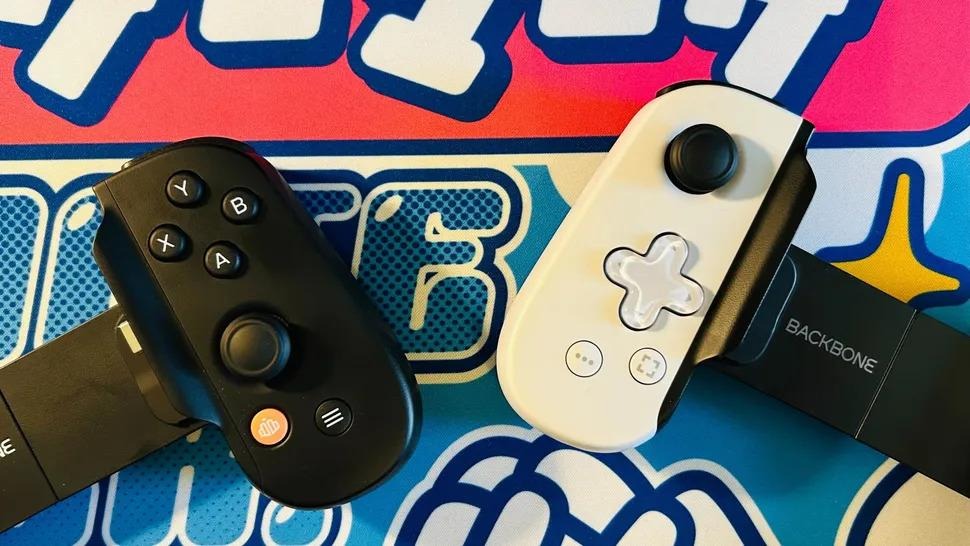
A separate gaming machine is not essential when your phone already has enough power to run demanding games. The weakness lies in the controls. Touchscreens work for some titles, but they are a poor substitute for physical buttons in many others.
The Backbone One offers a simple remedy. It grips the phone and turns it into something closer to a handheld console. The USB-C model supports most Android phones, while versions exist for iPhone as well. The 2024 revision also improved the shape and added magnetic adapters, making it easier to find a comfortable fit.
Several rivals use much the same arrangement, including products from GameVice and GameSir. The Backbone has an advantage for travellers because it remains relatively compact.
It also expands what you can play away from a network. Offline mobile games work, of course. Android emulation opens another door, allowing older console titles and even some PC games through software such as GameHub or Winlator.
7. HiBy R4 digital audio player
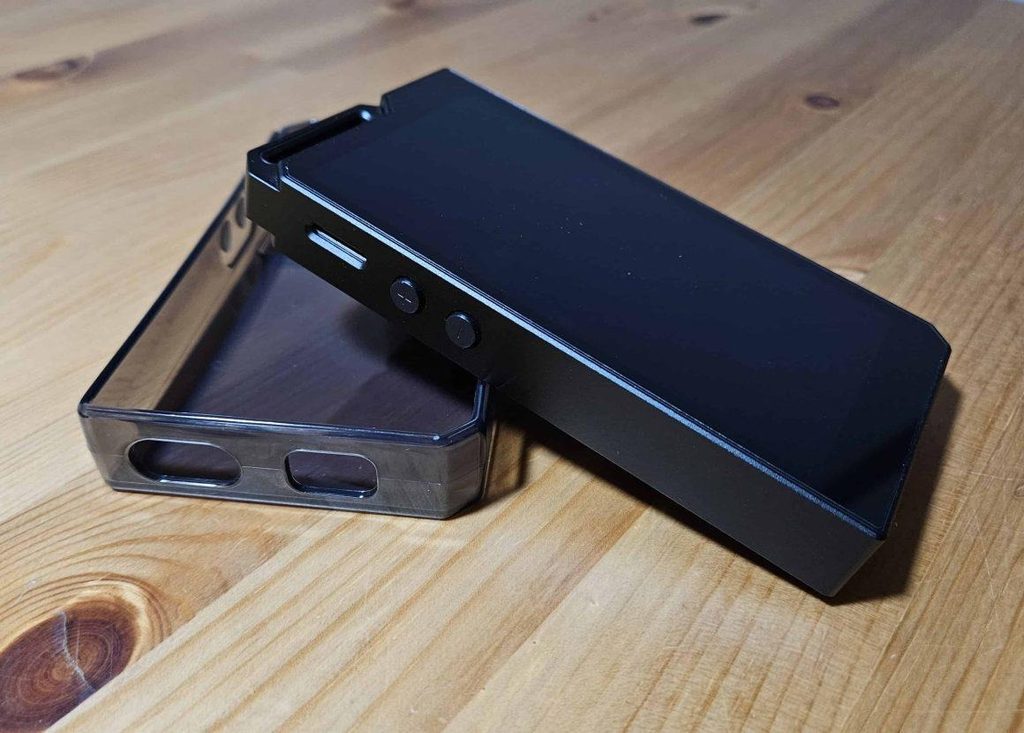
Streaming has made dedicated music players seem unnecessary. Your phone can store songs for offline listening, but this arrangement has limits. Downloads may expire, and even a costly smartphone cannot match equipment designed specifically for serious audio.
The HiBy R4 takes that specialised approach. It runs Android 12, but its job is mainly music. You can install services such as Spotify and Tidal, or watch MP4 video on its HD LCD. Its real strength lies elsewhere. HiBy gives it dedicated audio hardware, 3.5mm and 4.4mm outputs, and support for high-quality Bluetooth codecs. You can also add more storage with a memory card.
Reviews generally praise its construction and audio options. A system-wide equaliser gives you considerable control, while its amplifier can drive good wired headphones with ease. Very sensitive in-ear monitors may reveal some background noise. The R4 costs plenty, but cheaper modern music players can still provide a capable alternative for travellers who value good sound.
8. Fujifilm Instax Mini Link 3
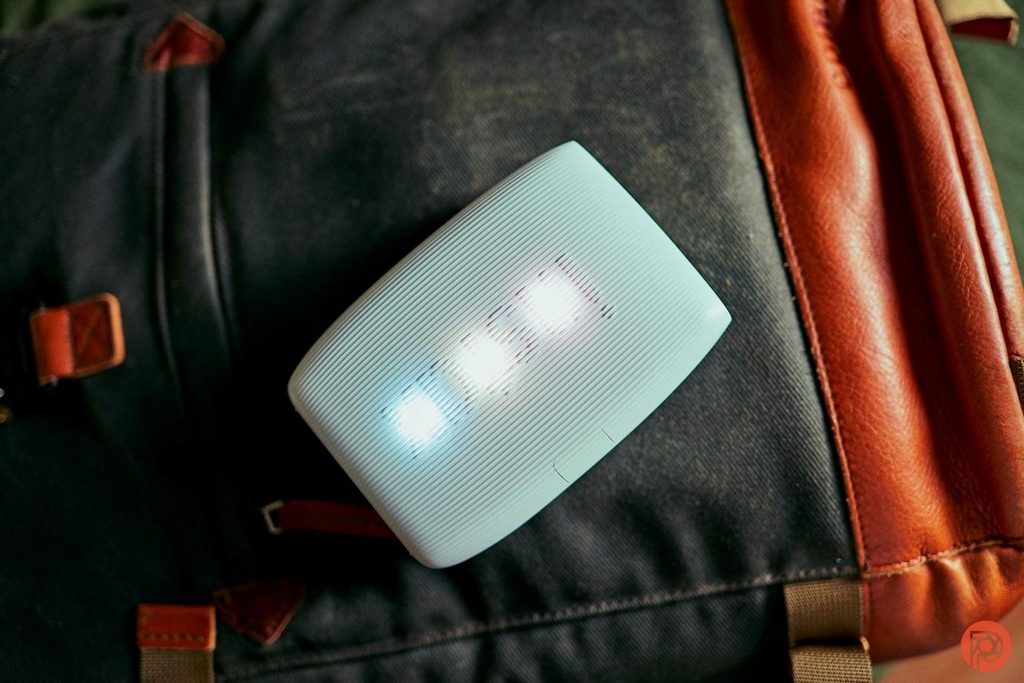
Instant cameras have their charm, but their pictures do not always satisfy everyone. The Fujifilm Instax Mini Link 3 takes a different approach. It leaves the camera out altogether. Instead, you get a small, battery-powered printer that connects to your phone through its app. Take a picture, make any changes you want, and send it across wirelessly.
A print takes roughly a minute and measures 62mm by 46mm. The Instax Mini film then needs about another 90 seconds to finish developing. None of this requires an internet connection. That makes the printer useful on trips. You can hand physical photographs to new friends, even when they have no smartphone or network access.
Reviews praise the prints for their strong colour and detail. The film costs more than some alternatives, though. You therefore have reason to choose your shots carefully. The advantage is obvious: you see and edit the photograph before spending film on it.
Conclusion
Even when there’s no Wi-Fi or cell service, a few small devices can help you keep your files handy, your music playing, your games running and your travel memories printable. Whether it’s the ASUS travel router and portable SSD, the AirFly adapter, the dedicated music player, the Switch Lite, the Backbone controller, or the Kindle Paperwhite, each serves a different purpose that’s bound to become an annoyance when traveling.
However, if you’re not traveling light, you don’t need to bring all eight. Choose the devices that are right for your time on the road. With a bit of advance planning, you’ll end up with fewer dead ends, fewer connectivity issues and much less frustration over a phone that has decided there’s no internet today.
FAQs
1. What are the best gadgets for travelling without Wi-Fi?
The choice of the best options depends on the needs. A travel router can be used to share connections, and a portable SSD will allow you to access files without an internet connection. The Instax Mini Link 3 is for physical photos, while the Kindle Paperwhite, Switch Lite and HiBy R4 can be used offline when the internet goes on holiday.
2. Is a portable SSD useful for travelling?
It’s useful when you need large amounts of storage space that you can access offline without having to bring a large drive. The Kingston XS1000 can offer 2TB of capacity and can achieve up to 1,050MB/s when connected to the right USB port. It also can be linked to contemporary phones and operate as easy network storage with a travel router.
3. What does the Twelve South AirFly Pro 2 do?
AirFly Pro 2 is a Bluetooth adapter for devices that have a standard 3.5mm audio jack. It can play audio to wireless headphones and can connect with two pairs at a time. This is especially helpful on flights, but hotel TVs and other devices that have headphones can also make use of the little travel companion.
4. Is the Nintendo Switch Lite good for travel?
The Switch Lite is still a small gaming device for on-the-go play and is compatible with most Switch titles. It has one major disadvantage: it lacks a docking feature for a television. Physical cartridges are offline and Virtual Game Cards are downloaded games that are easier to play offline on compatible Switch consoles.