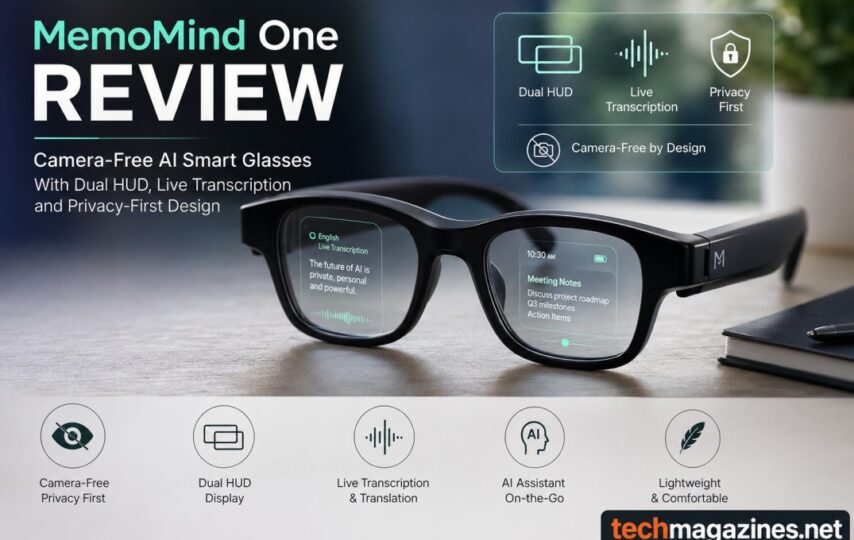

The cameras on smart glasses have been the main criteria for their evaluation. MemoMind One starts with a different concept. It leaves the camera out altogether and places its weight on audio features and a heads-up display (HUD). By doing this it has eliminated one of the primary concerns people have long had with this type of device, while also providing AI features like contextual memory and live transcription.
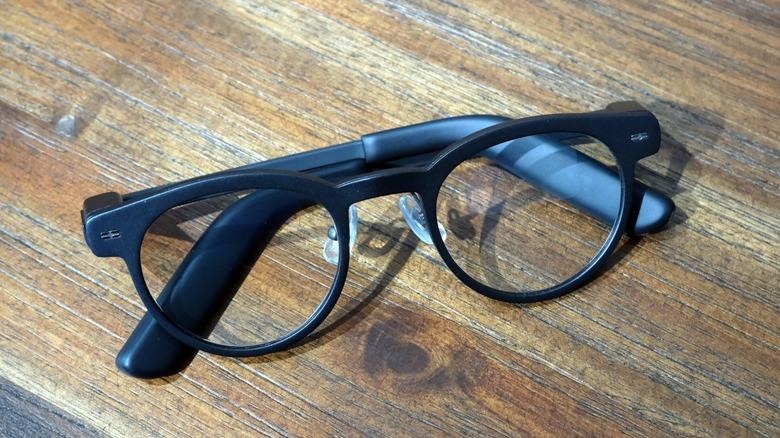
The glasses feature a light titanium frame, can be equipped with prescription lenses, and automatically switch off when folded up. The two HUDs offer information which can be read at a glance, and organized to fit the wearer’s needs, whether for reminders, navigation, or routine updates.
The AI takes this real-world method one step further by converting verbal interactions into searchable logs and by translating conversations as they happen. There’s no camera, which means there are no doubts about smart glasses that have plagued the technology, and its data management is not hidden or esoteric.
Lightweight Frame With Practical Everyday Engineering
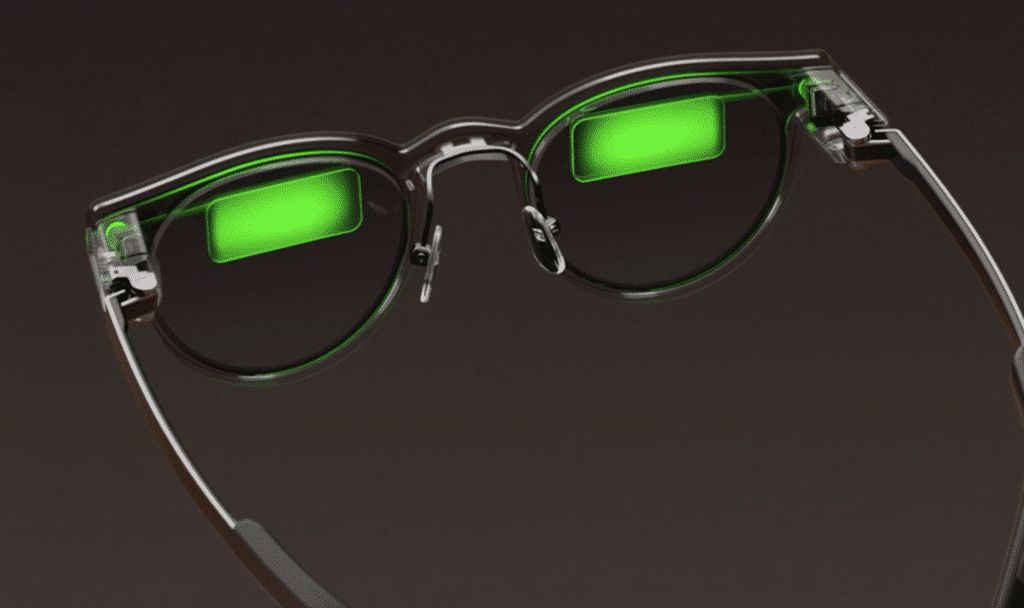
MemoMind One’s purpose is clear. It is designed to be durable, but not too heavy to wear all day long. The titanium frame flexes where it needs to and retains its form where it’s needed. The lenses are able to trap the light with a slight greenish hue. It provides them with a quiet, modern appearance, without demanding attention. Prescription glasses wearers can easily put them on. However, transition lenses are not available.
There are no unneeded components in the design. When the glasses are folded, they turn off automatically. Once opened, they are ready to go again. This is a small decision that is a sensible one. It eliminates an additional step and at the same time helps to maintain the battery. The outcome is a device that is easily integrated into everyday life. It requires minimal effort from the wearer and does its work.
Dual HUD Experience Keeps Essential Information in Sight
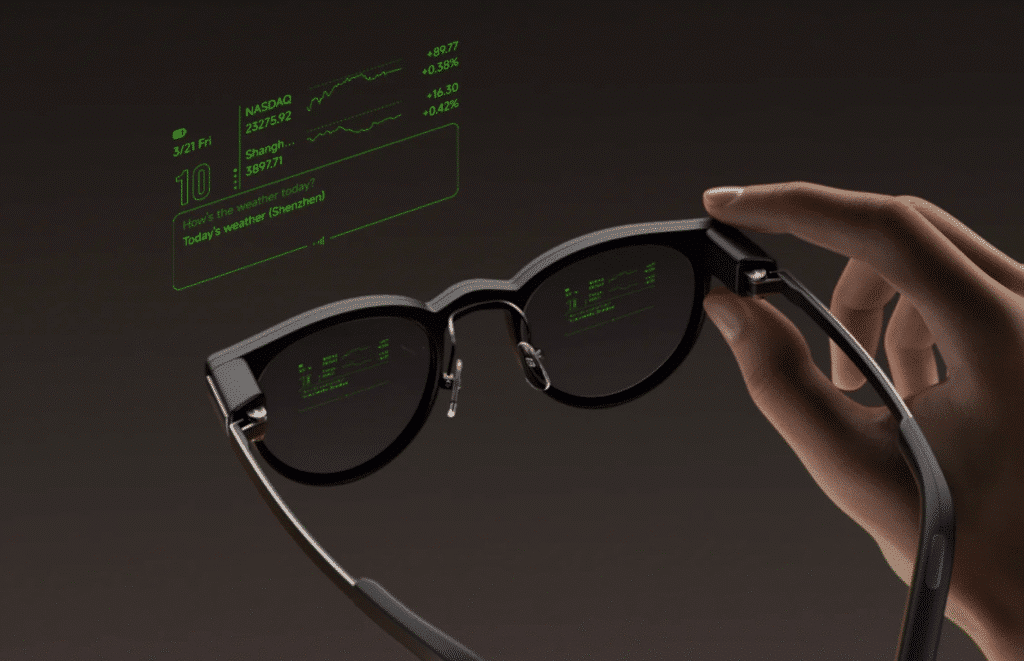
The two HUDs have a very simple function. They placed useful information in a place that you can see at a glance, and they use very little power. They can be moved around in both angle and position until they are comfortable in your field of view. They are easy to read and once installed, remain out of the way. Short pieces of text, directions and notifications appear when necessary.
No more having to pick up the phone every time you need to be alerted to something. The displays are best suited for words. They can manage reminders, teleprompter scripts and daily schedules with little effort. This makes the glasses practical at work and home. It’s not about overwhelming the person with information, it’s about getting the right words in front of the person at the right time.
AI Productivity Tools That Go Beyond Simple Voice Assistance
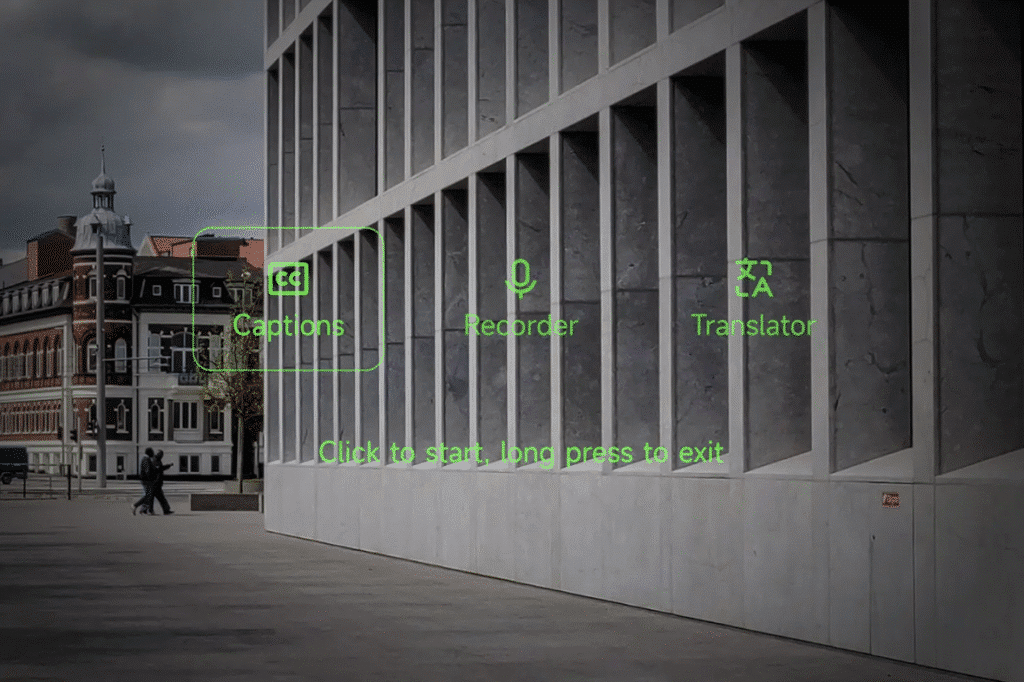
The AI tools are based on the same practical concept. The contextual memory feature listens to conversations and converts them into memory records that can be searched later. It categorizes them in the categories of summaries, reminders and notes. Identifying a key element is more straightforward.
The AI can transcribe speech in real-time and translate conversations. The teleprompter is another handy feature. It allows you to read a script without interrupting your presentation or speech. Combined, these elements expand the range of the glasses. They are just as comfortable in the office, on the road, or during the typical hectic day.
Speaker Performance and Controls Explained
Built-in speakers for calls, AI responses and media playback are included in the glasses. Voices are audible enough, and they are suitable for spoken tasks. The sound is light and the bass doesn’t go too deep. That makes the speakers suitable for service and not enjoyment. The basic functions are controlled by a button on the frame. It does not attempt to do more than it has to.
The accompanying app does the rest. There, you can customize notifications, modify AI settings and personalize the glasses to your own habits. They make the device more comfortable to use while not complicating the experience.
Privacy Features and Cloud Data Handling
It all starts with a simple choice: MemoMind One. It doesn’t leave the camera out. Many smart glasses are camera-based and with them come common concerns about privacy. It is these glasses that rely on microphones. The microphones only operate when you select to turn them on. Additionally, you can choose to record at a specific time or to avoid recording specific conversations. The controls are simple and intuitive.
The glasses record and upload to MemoMind app and cloud storage. According to the company, these conversations are not used as data for its AI models. That’s a promise to address the questions people ask about personal data. The end product is a device that is attempting to provide helpful AI capabilities without requiring users to give up any more privacy than they want.
Who Should Buy MemoMind One Smart Glasses?
MemoMind One can assist individuals who just want to remain arranged. It can also be helpful for people who have trouble remembering, ADHD, and people with hearing loss. The glasses are not intended as a substitute for medical treatment. They do provide practical assistance when it becomes difficult to remember, listen or keep track of information, however.
Subscription Costs and Performance Trade-Offs
There are some drawbacks to MemoMind One. Some of its best features come at an extra cost. The contextual memory tool costs $20 per month. This could deter some buyers. The microphones are not without their limitations, either. They are not always able to distinguish your voice from other voices in a crowded area. This means that there may be errors in transcripts.
The speakers are faced with another compromise. They are small and therefore do not have much depth or power in sound. They are good enough for speech, but music enthusiasts will want something different.
Privacy Challenges Still Deserve a Closer Look
The removal of the camera resolves one issue, but raises another. The glasses still use microphones that can hear for extended amounts of time. Users have control over when they use it, but its use is likely to raise questions about the collection and handling of personal conversations. Just because the device records sound and not pictures, the issue does not go away.
MemoMind One attempts to make a sensible compromise. Nevertheless, purchasers should consider more than the guarantees. Before the glasses become a part of everyday life, it’s important to consider the subscription fee, the capabilities of the audio hardware, and the privacy concerns.
Final Words
Smart Glasses don’t have to impress with a camera to impress with MemoMind One. It’s not about the flashy features, but about the practical AI tools, the lightness of the app, and the dual HUD experience, which might actually help users stay organized throughout the day. Some buyers might be hesitant to purchase because of subscription fees and the average speaker performance, as well as the continuing privacy concerns regarding microphone-based recordings.
Despite this, the device is a breath of fresh air in the field of wearable AI, prioritizing productivity over showmanship. When so many gadgets are trying to learn everything about you, MemoMind One is a more measured approach, even though it wants to hear what you’re saying. The trade-off will be up to each person’s taste, but the future of smart glasses isn’t necessarily about seeing more. It’s about remembering more.