
Every early-stage team eventually runs headfirst into the video bottleneck. The product is functional, the landing page is designed, and the launch announcement is drafted. Yet the hero section feels dead without motion. Founders know moving imagery captures attention, demonstrates context, and clarifies value faster than static screenshots.
Traditionally, solving that problem required booking studio time, hiring a videographer, or spending weeks manually animating static assets in After Effects. For a lean team testing product-market fit, committing that kind of money and calendar time to video production is rarely practical.
Over the past year, an alternative pattern has taken hold at early-stage tech companies: generating short video clips directly from single still frames. Instead of filming on physical sets or rigging complex 3D scenes, teams feed concept art, product packaging renders, or mockups into generative pipelines and prompt the camera or environment to move.
The approach is neither a total replacement for live production nor a magic push-button solution. It is a distinct workflow with real trade-offs. To see where it fits, it helps to compare it against a traditional shoot across time, iteration, precision, and fidelity.
Production Timelines: The Scheduling Squeeze vs. The Assembly Line
Organizing a physical shoot for a product demo is an exercise in logistical friction. You need to secure a location, align the schedules of lighting and camera operators, source props, and ensure hardware prototypes work. Even for a modest shoot, the gap between concept and receiving rough cuts spans weeks.
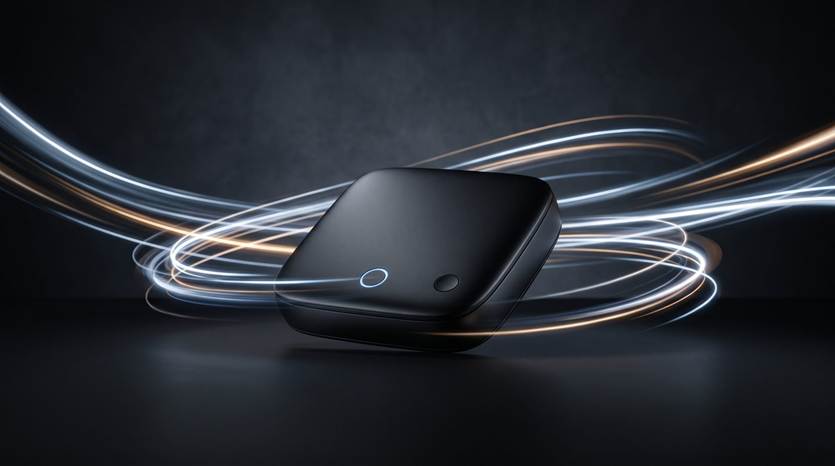
The image-to-video approach bypasses physical logistics entirely. A designer or marketer starts with a single high-resolution still image—a render of a connected hardware device, an editorial photo of someone holding a device, or a stylized background graphic. That asset goes into an AI video generator operating directly in the browser, with text instructions detailing camera drift, lighting changes, or background motion.
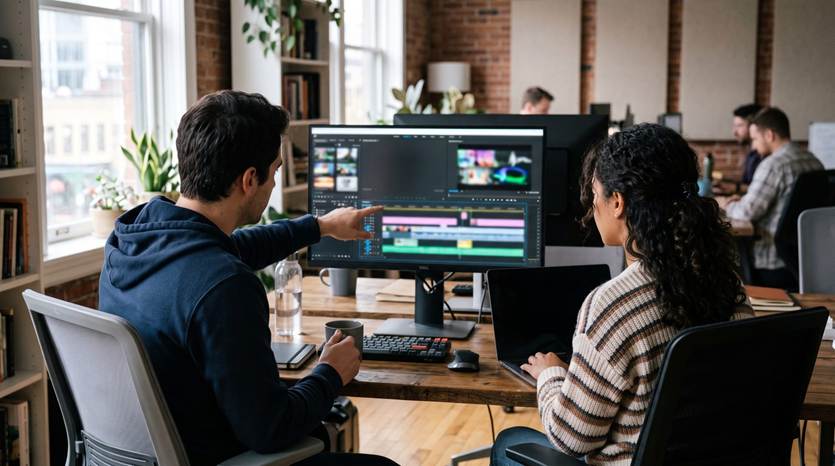
Generation is only one step, and it is not an instantaneous fix. Generative models produce brief, standalone clips rather than finished narratives. Creating a cohesive demo still requires an assembly phase: generating multiple takes, trimming artifacts, arranging clips on a timeline in an editor, and layering voiceover and audio tracks.
The time savings are real, but the labor shifts from physical coordination on a set to curation and iterative prompt adjustment at a desk.
Product Iteration: The Cost of a Reshoot
Software and hardware startups operate in perpetual beta. Interface elements change, brand palettes evolve, hardware casings get revised, and messaging pivots with user feedback.
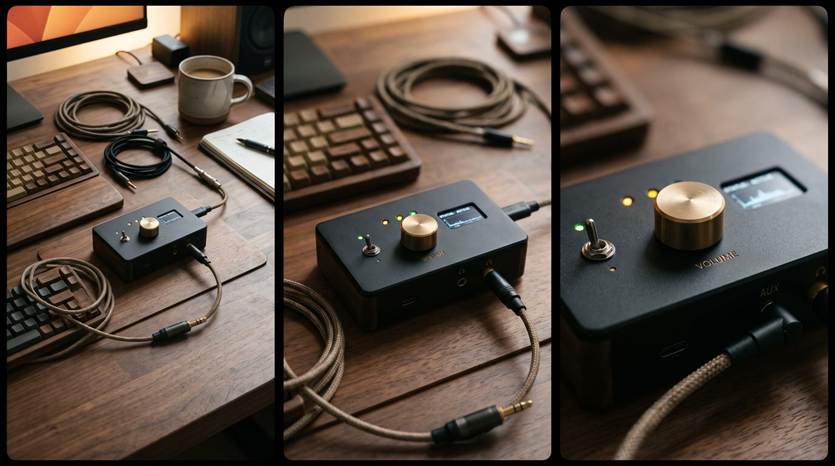
In a traditional shoot, changes that happen after wrap day are painful. If the product chassis changes color or a feature switch moves to another side, you face an unpleasant choice: leave outdated assets on your marketing channels or pay to rebook the crew and re-stage the set. For fast-moving startups, live-action footage can become obsolete quickly.
Image-to-video workflows offer far greater resilience against product churn. Because the output stems from a source frame, updating a visual sequence requires updating only the base asset. If a 3D designer revises a hardware model or a brand designer updates an asset’s lighting scheme, that revised still can be fed back into an image-to-video tool with the original motion prompt.
While the new generation will not match the previous clip pixel-for-pixel, it lets teams reproduce camera sweeps, atmospheric depth, and motion styling on demand. Motion becomes an asset library that evolves alongside the product, rather than a precious, frozen-in-time artifact.
Visual Control and Precision: The Physics of Reality vs. Generative Drift
Where the traditional shoot unequivocally triumphs is in fine-grained control and physical accuracy. A cinematographer can set a lens, dial in exact lighting ratios, pull focus to an exact millimeter, and repeat a camera motion identically take after take. If an actor must push a specific button or swipe a screen at a precise angle, a director can coach it until perfect.
Generative models lack deterministic mechanical control. You can steer an image-to-video system with prompts like “slow cinematic zoom, warm ambient light, gentle smoke drifting in background,” but the model interprets those instructions probabilistically. The camera might pan slightly too fast, an edge might soften unexpectedly, or an object’s geometry might subtly morph mid-clip.
This constraint becomes acutely apparent with user interfaces. When an AI model generates motion from a UI still, intricate typography, data dashboards, and micro-icons frequently warp, hallucinate characters, or drift into blurriness. For a complex SaaS workflow or dashboard analytics, that loss of clarity is disqualifying. Live screen capture or vector-based UI animation remains indispensable whenever pixel-perfect interface accuracy is required.
Narrative Structure and Explainer Context
A product demo must do more than look striking; it has to teach users about a specific problem and show how the product solves it. Good explainer videos rely on narrative flow, clear visual hierarchy, and precise cause-and-effect demonstrations.
On a physical set or in a scripted motion-graphics studio, narrative continuity is planned down to the storyboard frame. Props match from cut to cut, lighting remains consistent, and character actions cleanly set up the next narrative beat.
Using generative video requires accepting narrative modularity. Because each clip is short and generated independently, continuity across successive shots is hard to maintain: you cannot easily ask a model to track the same fictional user across four environments performing four continuous actions. Instead, teams use generative clips as cutaways, mood-setters, and transitions bridging sections of a demo, while voiceover, text overlays, and direct screen captures hold the functional narrative together.
The Balanced Verdict: Choosing the Right Tool for Each Shot
Treating generative video and traditional recording as mutually exclusive misses how startups now build their collateral in practice. The goal is not to eliminate cameras or screen recorders, but to stop using expensive methods for simple atmospheric tasks.
Startups are finding the strongest results by splitting their shot lists based on where each format excels:
What to generate with image-to-video:
Hero transitions and atmosphere:* Subtle environmental motion, dramatic camera pans across hardware models, shifting shadows, and lighting effects built from concept stills.
Contextual b-roll:* Establishing shots that evoke an industry—such as modern office environments, warehouse floors, or abstract server racks—without stock footage or location bookings.
Hardware and package reveals:* Turning CAD renders or 3D product images into rotating product reveals for landing page backgrounds and pitch decks.
What to film or record directly:
Real interface workflows:* Core software features, form submissions, settings menus, and dashboard interactions should always be captured via real screen recordings to preserve legibility and trust.
Human interactions and testimonials:* Genuine founder narratives, customer interviews, and authentic hands-on product handling carry a credibility synthetic media cannot replicate.
Detailed tactile mechanics:* Precise physical demonstrations—an unboxing, or how an adapter snaps into place—require the consistent physics of real capture.
Generative image-to-video has become a practical bridge between the stillness of a graphic mockup and the high barrier of full video production. Lean on AI for cinematic motion, reserve real captures for interface precision, and a startup’s demos can finally move as fast as its product cycles.