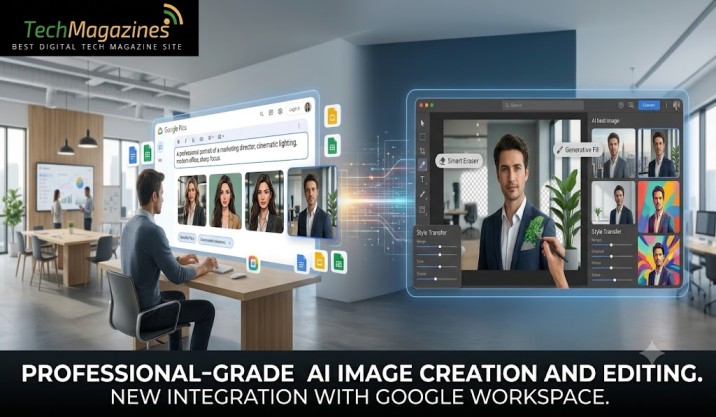

Google Pics, Google Workspace’s new tool for creating and altering images, is set to reach users over the next few weeks. The rollout will cover Google AI Pro and Ultra subscribers, along with most customers using Workspace for business.
The service is powered by Google’s Nano Banana model, which handles both image generation and editing. Its purpose is simple: to let users shape an image without having to accept whatever the first result happens to be.
Pics can be used to make a poster, prepare material for social media, or change an existing digital illustration. It will be available on its own, but Google is also bringing it into Workspace, beginning with Slides, Docs, and Drive. Images can therefore be worked on without breaking away from the application already in use.
Main Features of Google Pics Features
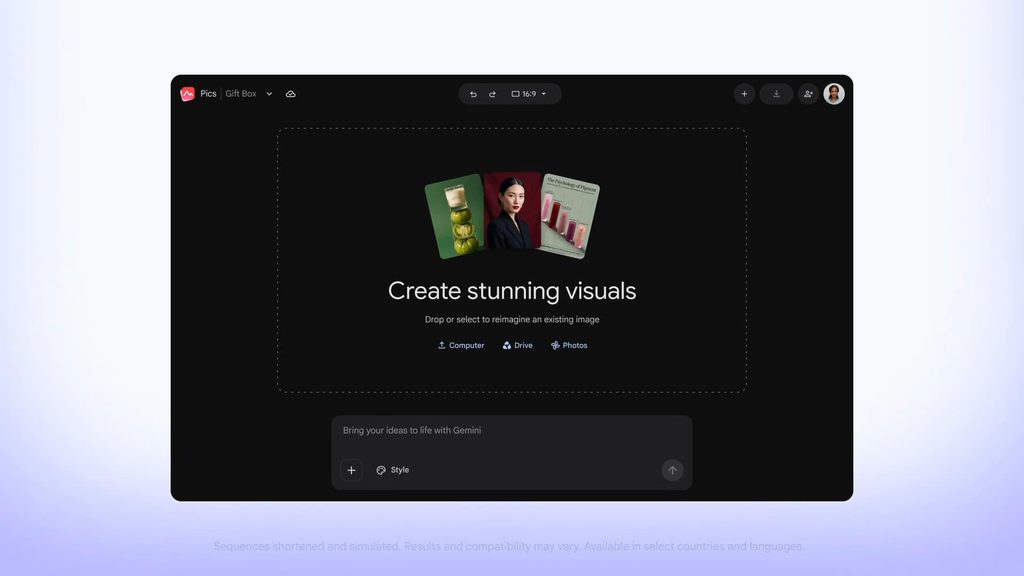
Pics provides a collection of specialised editing tools for creating new images and changing particular parts of existing ones. The intention is to make detailed adjustments possible without forcing the user to start the whole job again.
- Change words within images: You can rewrite or translate text that appears in a picture. Pics keeps the existing layout and typeface intact, so the alteration does not spoil the original design.
- Separate and reshape objects: Pics can pick out an individual object in a picture and change it while leaving everything else alone. You can also describe the change you want in plain text. The tool can apply several such changes in one go.
- Work together: Pics lets you send your creations to friends or colleagues. They can then open the same image and make their own changes, turning image editing into a shared task.
- Create several versions: One prompt can produce a number of different results. You can look through them and pick the version that comes closest to what you had in mind.
Google Pics Comes Directly to Workspace Apps
People view and work with billions of images across Google Workspace every month. Google now wants to remove another small obstacle by putting Pics inside the Workspace tools themselves.
You will not need to leave one application for another just to make or share an image. The AI tools will sit where the work already happens. There is no need to copy files, paste them elsewhere, or keep moving between browser tabs.
Final Words
Google Pics doesn’t feel so much like another AI app trying to capitalize on the image generation craze, but rather a way to make creative work a little easier. Users can manipulate individual objects, edit text, make multiple versions and co-author edits without creating an image, just in case. That is, the AI can do the tedious stuff, and the humans can still make the final decision.
But its greatest benefit might be its location on Google. Users won’t have to download, upload, copy and open another browser tab to edit images when they bring them into Slides, Docs and Drive. For Google Workspace users, it might become a convenient step in the process.
Google Pics has plenty of room to prove itself, as it is now available for AI subscribers and most business Workspace customers. When it’s doing what it says it can, image editing could be a headache-free, tab-free experience.