
Many people use Android Auto every day without ever thinking much about it. The thing has become part of the ordinary furniture of modern life, like electric lights or lifts in large buildings. A driver connects his phone, asks for directions, perhaps changes a song or answers a call, and considers the matter finished. Yet the system is capable of considerably more than this, and most people never trouble to discover it.
There are now hundreds of applications designed to work with Android Auto. Their purpose is not to astonish anybody with novelty, but to make routine actions simpler and less distracting while on the road. A task that would require peering down at a small telephone screen can instead be carried out with a quick glance at the dashboard or a brief spoken command. This may sound like a small improvement, but after a time one notices how much calmer and easier driving becomes when unnecessary fiddling is removed from it.
Another advantage is that there is almost nothing to set up. Modern technology often arrives buried beneath layers of passwords, menus, and instructions written in ugly technical jargon. Android Auto avoids most of this. One merely downloads the applications onto the phone, connects the device to the car, and the system handles the rest with very little ceremony.
The result is that many useful tools remain hidden in plain sight. Music and navigation are only the beginning. There are applications for communication, audiobooks, parking, weather updates, and a dozen other practical matters that make long drives less tiresome and daily journeys more orderly.
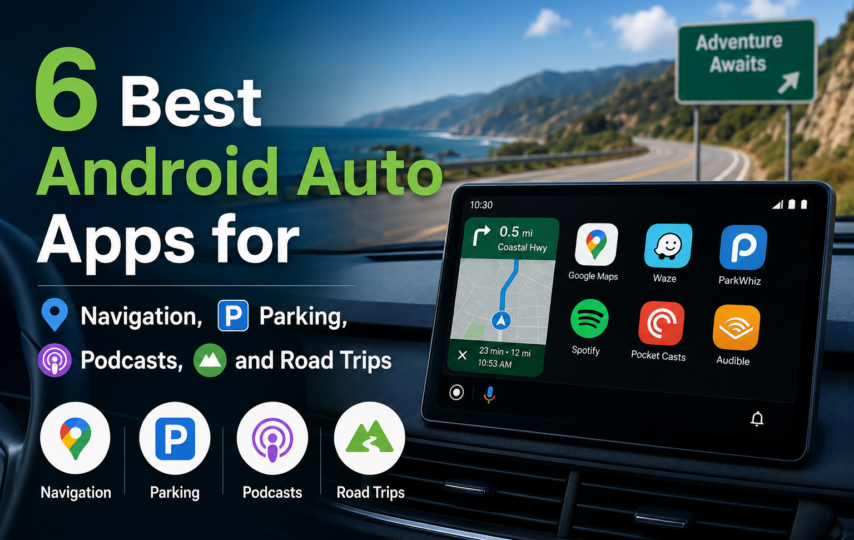
What follows is a selection of six Android Auto applications that are particularly worth having, especially for those who have so far used the platform only for the most basic tasks.
1. Fuelio
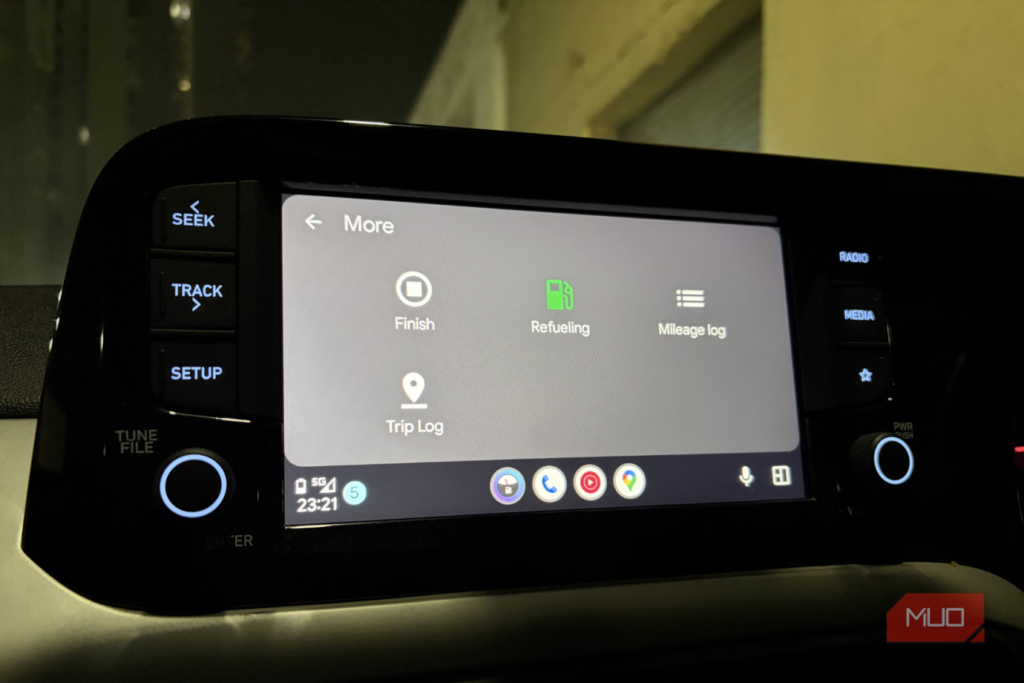
Fuelio’s main purpose is simple. It shows nearby petrol stations and the prices they charge. That alone makes it useful. A driver low on fuel can quickly find the nearest station, while a more patient man can drive a little farther and save a small sum of money.
The difference in price is seldom dramatic. One station rarely undercuts another by very much. Yet the savings accumulate in the quiet way that household expenses always do. I often find a cheaper station a few minutes down the road and save the equivalent of several rupees on a fill-up. It is not enough to make anyone rich, but over months of driving the thing begins to matter.
The application also keeps a record of mileage and fuel costs. This sounds dull, and in truth it is dull, but it is the kind of dullness that proves useful later. A man who tracks these figures can see whether his car has begun consuming more fuel than usual, and he can keep some account of what the machine truly costs him.
There is another feature which I have found unexpectedly valuable. Fuelio allows you to log repairs and routine servicing. One forgets these things easily. Oil-change stickers fall away. Receipts vanish into drawers and are never seen again. More than once I have had to check the application simply to remember when the car was last serviced. In that respect, it functions almost like a notebook kept by an unusually orderly mechanic.
2. SpotHero
If you’ve ever driven into a packed city for a concert or sporting event, you know just how bad parking can be. One goes round the same streets over and over. All lots are full. The remaining few seats are ridiculously expensive, but they are bought out of necessity.
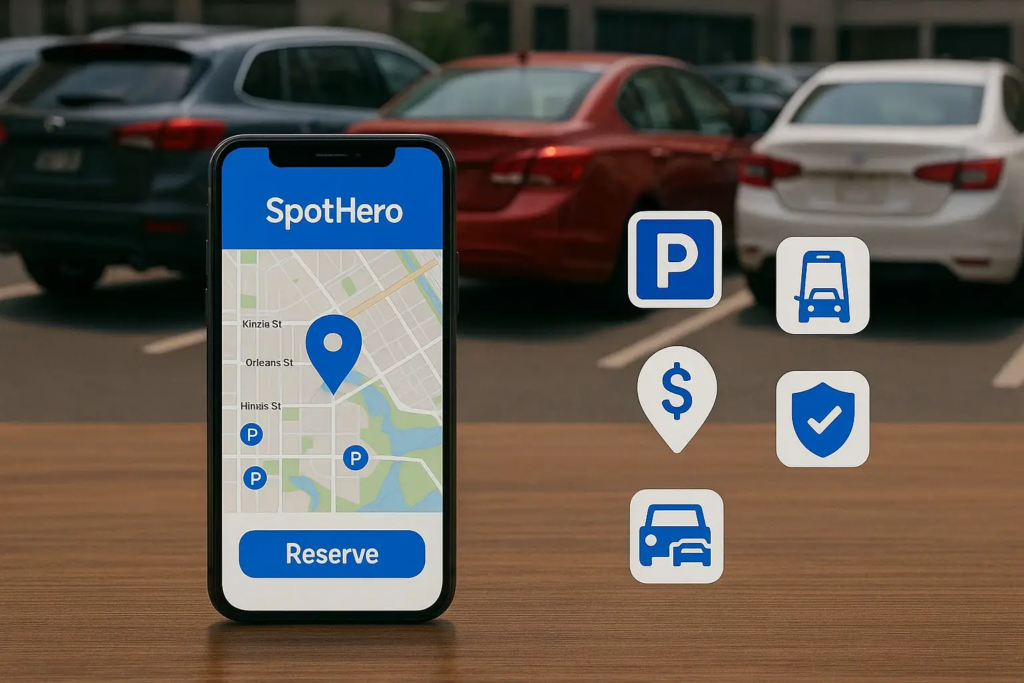
SpotHero helps to streamline the process. The application displays the parking availability in the garages and open lots around your destination. A driver can shop around, make a booking in advance and not have to do the last minute scramble. This alone takes a lot of the unnecessary stress out of driving in the city.
Android Auto is quite limited, but that’s a good thing. A space cannot be booked using the car screen. That still needs to be done over the phone. However, the application is really useful once the reservation is set up. It displays the booking information, the booked time, the location and opens the parking pass if there is a scanner.
This translates to less hassle with emails and screenshots in traffic. The machine just displays the information when it is required.
3. Weather & Radar
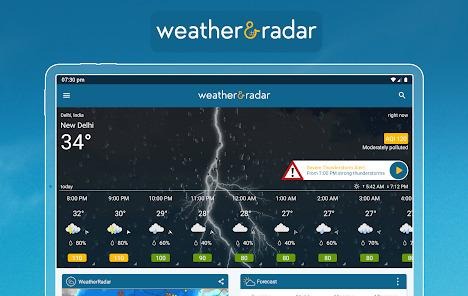
Weather & Radar is very appealing to the type of person who can’t stop looking at the sky. Some drivers don’t need more than a forecast. They wish only to know whether it will rain. I never have been happy with that. I would like to see the weather moving across the map in real-time, and this application lets me do just that on the car’s display.
It’s a strange feeling to see a storm coming and yet not be in it. Dark clouds are frequent on long journeys, and they can come up out of nowhere. One starts to ask oneself if they will go over or over the road. Typically, a quick look at the radar will resolve the issue. Sometimes it even helps one to decide whether to keep on driving or stop early for coffee and a meal while the worst of the rain passes.
It is particularly helpful during extreme weather. When the weather is bad, even normal roads can seem up for grabs and unwelcoming. A driver with the radar on can at least see where the heaviest bands of rain are developing and if they are coming towards them or going away.
One of the more sensible features is the split screen mode. The radar is always on display next to Google Maps or Waze, so the route never goes out of sight completely. The outcome is functional, but not ostentatious. The information remains where it belongs and the driver maintains focus on the road and not between applications.
4. PlugShare
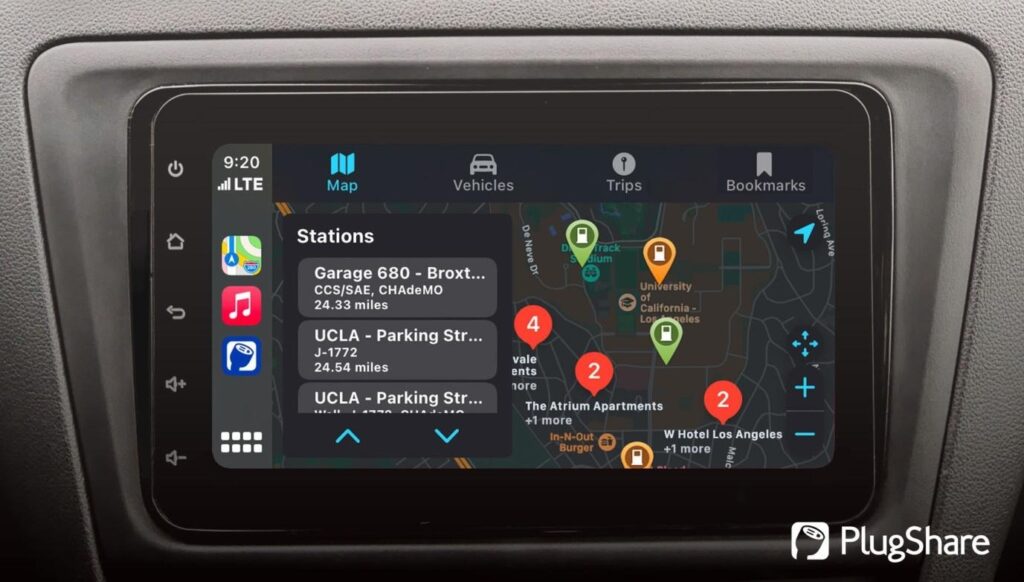
I don’t have an EV myself, so I can’t say I have a lot of experience with PlugShare. But almost all the drivers I know who have EVs say they’re grateful for them, in a practical way. The answer is not hard to find. Charging stations are still not evenly distributed and an electric vehicle without access to a charging station is a very expensive inconvenience.
PlugShare is trying to eliminate this uncertainty. The application displays local charging stations from various networks and lets drivers search for charging stations by connector type. It also has user reports, which can be the most helpful feature, if any. A charging point can be on the map and not work in reality. These reports will allow drivers to determine if a station is actually working or not before they waste their time driving to that station.
The application also has a few minor features. A driver can look for chargers at cafes, restaurants or public toilets. This may seem a simple thing, but think about it: EV charging can involve a bit of a wait. In that case, proximity to food or basic facilities becomes a matter of good planning and is no longer a luxury.
PlugShare works like the more successful Android Auto apps, addressing mundane annoyances head-on and with minimal drama.
5. Pocket Casts
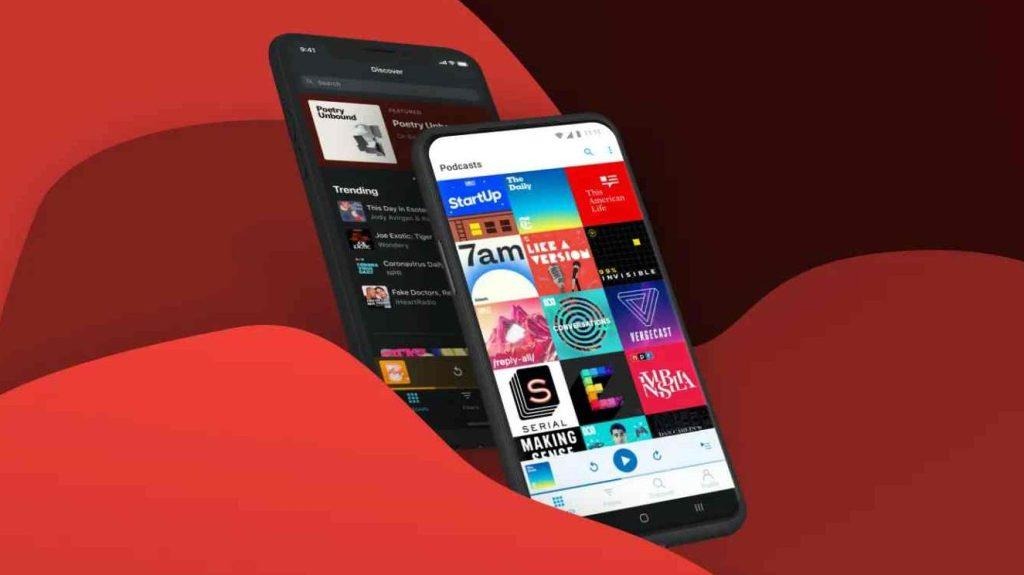
I listen to podcasts more than music when I am driving. Music eventually sinks into the background and becomes a kind of noise. The best podcasts capture attention without being too much to handle. For this reason, I tend to queue a few episodes before heading off on a long trip.
Over the years I’ve experimented with several podcast apps. The majority of them have the same shortcomings. They’re overstuffed, over-recommended, or constantly trying to force new features on the user. Pocket Casts gets rid of a lot of this crap. The user interface is simple and neat. One can find what one is looking for without having to dig through menus.
The application also works well with queues, which is not as common as it should be. Episodes run in the proper sequence and do not miss any. A feature to trim the silence is also included. It eliminates filler time that many contemporary podcasts have. It saves a surprising amount of listening in the long run, though the effect is small at first.
Most of all, it has a sense of utility. Works silently and leaves the user to himself.
6. GameSnacks
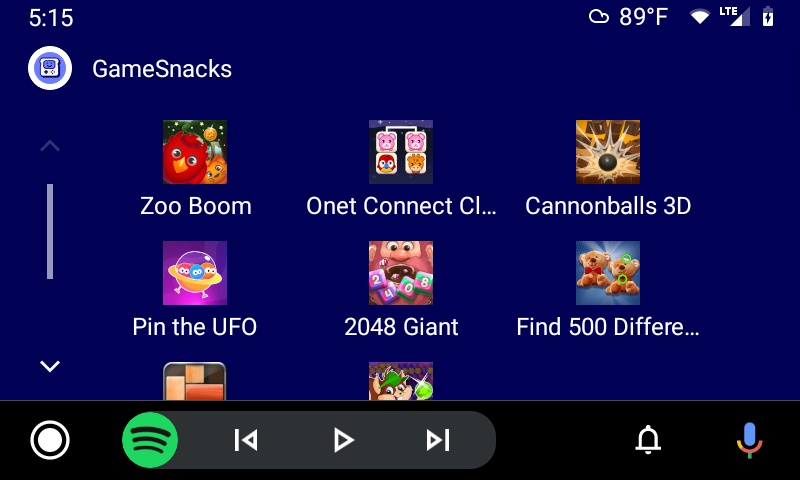
This is one of the apps that comes with Android Auto and in my car it is likely to be used more than any other app. GameSnacks is just a bunch of little touch screen games. They are very primitive for modern standards. Most are like the type of Flash games that filled 20 years ago’s internet. But it’s their simplicity that makes them bearable.
They are immediately accepted by children. I’ve played these games for hours in waiting rooms of cars outside stores or restaurants. The app addresses a common issue. All parents will get asked at some point: “Can I play something on your phone?” GameSnacks provides an easy option and helps prevent the phone from being in the hands of little impatient fingers.
I’m surprised that I use it myself at times. Today’s games are more like a complicated trap than a game. They require constant attention, are flashing ads on the screen, and are constantly trying to get money out of the player in some way. GameSnacks is not as ugly. The games are short, silly, and simple. One plays for 10 minutes and then they stop.
Conclusion
What is peculiar about modern driving is that at times people invest thousands of dollars in a car, and then only use the three most common features of the vehicle on a daily basis. Android Auto is no exception. Most drivers stick to Google Maps, Spotify and the occasional phone call, and don’t know the platform has a host of features that can make driving a lot less aggravating.
These apps are not revolutionary. What makes these apps worth the while is that they are not. They just take away some minor hassles before they get too frustrating.
FAQs
Q1: Are Android Auto apps actually useful, or are they just more distractions?
The majority of the good ones are designed to minimize distraction. The small annoyances that can become stressful are eliminated by apps such as Fuelio or SpotHero. The bad apps are like the over-excited toddler and need to be addressed. The helpful ones work behind the scenes and allow you to concentrate on getting through traffic.
Q2: Which Android Auto app is best for long drives?
This depends on your particular irritations. Pocket Casts is a great solution for those who can’t stand the sound of silence, Weather & Radar is a great solution for those who don’t want to get caught in an apocalyptic rainstorm, and Fuelio is a great solution for those who enjoy saving money as much as they enjoy complaining about petrol prices.
Q3: Is GameSnacks actually worth using in the car?
Oddly enough, yes. The games are easy, fast, and not harmful, and already better than half of the mobile gaming industry. Most important of all, they help to pass the time while you’re stuck in traffic.
Q4: Why do EV drivers rely so heavily on PlugShare?
An electric car with no charging station nearby is a very costly aesthetic piece. PlugShare allows drivers to locate charging stations, verify compatibility, and view user feedback on damaged charging stations. There’s nothing worse than coming to a dead charger on a trip.