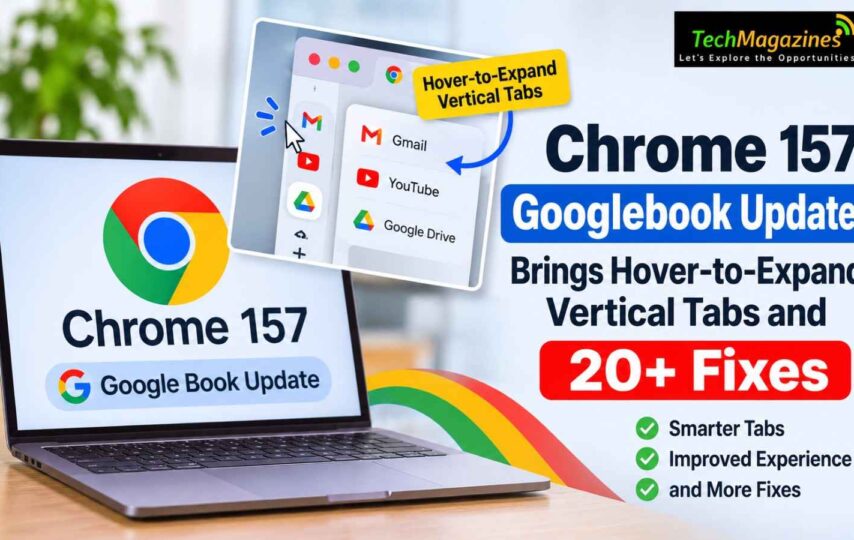

Chrome 157 is rolling out to Googlebook laptops through the Play Store, bringing hover-to-expand vertical tabs, five new features and more than 20 fixes. Chrome is the main interface on Googlebook OS, which makes small desktop annoyances harder to ignore.
A broken right-click menu or tab rail that refuses to stay open can disrupt everyday work. Google published the changelog in its Help Community, while Mishaal Rahman also shared it on Reddit. The update arrived later on Googlebooks than on Windows, Mac and Android.
Vertical tabs finally act like a desktop sidebar
Collapsed vertical tabs have been awkward. When the sidebar shrinks to icons, you lose the page titles, leaving little way to identify open tabs without expanding the rail manually.
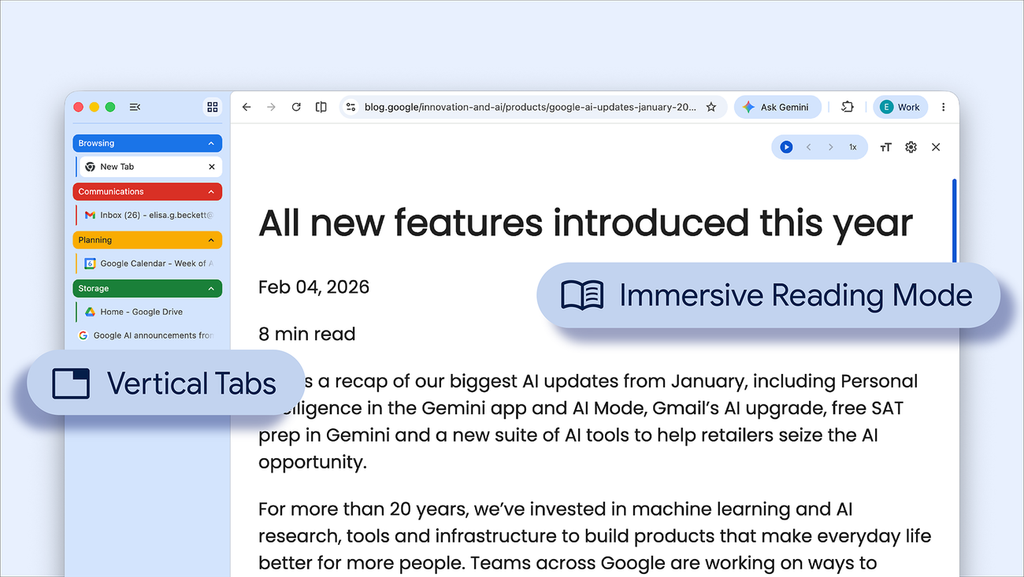
The new Auto-Expand Vertical Tabs on Hover feature fixes that problem. Hover your mouse or trackpad over the collapsed rail, and it temporarily opens as an overlay with full page titles. Move away, and it closes again. Quick and simple.
Don’t like the behaviour? Turn it off in Chrome’s Appearance settings or from the tab strip’s right-click menu. The sidebar then stays collapsed until you open it yourself.
You can also resize the tab bar by dragging its edge to make more room for longer titles. This option is available through the right-click menu, too. However, resizing only works when auto-expand is disabled.
Chrome remembers your chosen width across restarts and new windows. Vertical tabs previously reached stable desktop Chrome in April 2026, with the option available through the window’s right-click menu under “Show Tabs Vertically.”
Settings, screen sharing and Save As
Settings pages get their own addresses
Chrome’s Settings pages now have individual URLs. Appearance and Privacy, for example, each get their own chrome://settings address, making them easier to bookmark or share. The Back and Forward buttons also work when moving between Settings pages. These changes address problems left behind when Chrome M155 moved Settings into a browser tab.
A control bar for tab sharing
Sharing a tab during a video call, including Google Meet, now brings up a persistent bar at the top of the screen. You can stop sharing or switch to another shared tab with a single click. No need to return to the Meet tab just to end a share.
Save As is on by default
Chrome 156 introduced a Save As dialog, but it needed a flag. That is no longer the case. Right-clicking images, links or pages lets you choose a file name and save location, including Google Drive or external storage. Regular download links still go straight to the Downloads folder.
The fixes, more than 20 of them
Chrome 157 Googlebook addresses a long list of bugs, from crashes to menus that stopped behaving like ordinary desktop controls.
- Stability: Chrome could crash when extensions passed messages between background frames and tabs, when certain unregistered keyboard shortcuts were pressed, or when enterprise policies failed to load.
- Bookmarks and tabs: The bookmarks bar’s right-click menu works again. It no longer disappears when switching tabs in fullscreen with vertical tabs, and tab spacing stays steady while scrolling.
- Sites and media: Google Slides once again displays the external monitor picker for presenter view. Closing third-party Google Sign-In prompts, including those on Reddit, no longer freezes the page. Downloaded PDFs open in a Chrome tab instead of an external viewer, and the Translate option has returned to the PDF right-click menu.
- Address bar: Right-click now brings up the standard desktop text-editing menu. Ctrl+L selects the complete URL, including its parameters.
- Contextual Search: The privacy notice is less intrusive and no longer blocks the screen with a dialog.
What Google is testing in Chrome Beta
Googlebook owners can try several upcoming changes in Chrome Beta, though Google has not announced a release date for the stable version.
- Startup settings: Chrome may soon let you choose whether it restores your previous session every time you launch it. The flag is chrome://flags#on-startup-settings-ui.
- Download location prompt: An option to ask where each standard download should go is being tested. Enable chrome://flags#enable-download-save-as-system-file-dialog, then check Settings > Downloads.
- EyeDropper: Web design tools such as Figma and Canva can pick colours from anywhere on your screen. It is already enabled in Beta, with no flag required.
Google is also working on multiple profiles, tab group syncing and a fix for local Google Cast devices that fail to appear.
How Chrome updates reach Googlebooks
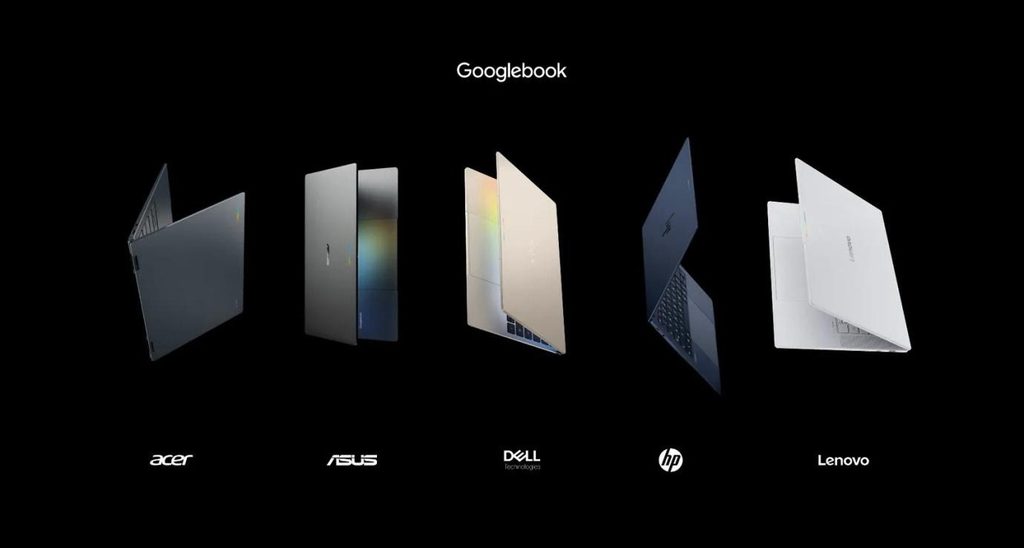
Googlebooks were released on the 21st September 2026. This runs on the Googlebook OS, based off both Android and ChromeOS. Chrome updates are available within the Google Play Store and do not require OS updates. Updates will be rolled out over time. If you would like to get the update early, search for Chrome in the Play Store, then click ‘update.’
In September 2026, Chrome moved to a 2-week release schedule (starting at Chrome 153). Therefore improvements and bug fixes are coming out more frequently.
Final Words
Although Googlebook was released in September with many new features for laptops, there were some legacy desktop-like issues within the browser. However Google are improving these issues on a 2-week cycle. Although the main highlights of this update may seem small (hovering a side panel, right clicked menus working, and choosing download location) they are still very important features for users.
Laptops may contain very ambitious features, if the right clicked menus aren’t working, it is unlikely that ambition will be on anyone’s mind. Chrome 157 Googlebook serves as a good reminder that basic functionality is important.