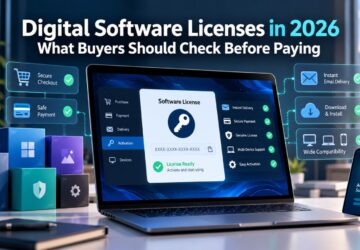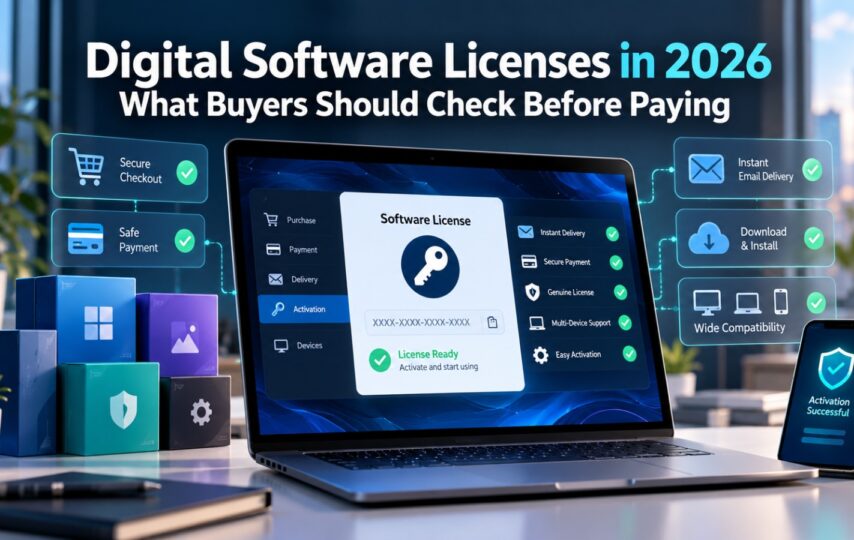

Buying software has changed considerably over the past few years. Instead of waiting for a physical box or installation disc, users can now purchase a license online, receive a digital activation code, download the software, and start working within minutes.
That convenience has made digital software licensing increasingly attractive for individuals, freelancers, students, and businesses. However, it has also created a marketplace where prices, license types, activation methods, and seller quality can vary significantly.
Before buying a digital license in 2026, users should understand what they are purchasing and how to evaluate the seller behind it.
Understand What a Software License Actually Includes
A software license gives a user permission to activate and use a particular software product according to specific licensing conditions.
- A one-time purchase
- A yearly subscription
- Valid for one device
- Valid for several devices
- Designed for Windows or macOS
- Intended for personal or business use
The important point is that a license key and the software installer are usually two separate things.
The software itself may often be downloaded directly from the publisher, while the activation key confirms that the user has the appropriate license.
This is why buyers should always read the product description carefully instead of choosing a product purely based on price.
Check the Exact Software Edition Before Buying
Different editions of the same software can have very different features.
Windows 11 Home, for example, is not identical to Windows 11 Pro. Similarly, Microsoft Office products can vary depending on edition, operating system, included applications, number of devices, and licensing model.
Professional applications introduce even more variables.
A designer looking for AutoCAD may require a completely different product from an architect using Revit or an engineer working with specialized Autodesk applications.
Before purchasing, buyers should verify:
- Product name
- Edition
- Supported operating system
- Number of permitted devices
- License duration
- Activation method
Taking an extra minute to check these details can prevent many activation and compatibility problems.
Buy Software Keys From a Seller That Explains the Product
A trustworthy digital marketplace should provide more information than a product name and a checkout button. When comparing software keys online, look for product pages that clearly describe compatibility, license duration, delivery method, and installation requirements.
The buyer should know what will happen after payment.
Will the license arrive by email? Is there a customer dashboard? Are installation instructions provided? Is customer support available if activation fails?
These details are particularly important because there is no physical package to inspect after purchasing a digital product.
Transparency becomes part of the product itself.
Extremely Low Prices Deserve a Second Look
Software pricing can vary significantly between sellers and markets, and a lower price does not automatically indicate a problem.
However, price should not be the only factor in a purchasing decision.
If an offer is dramatically cheaper than every other option available, buyers should investigate why.
- The product edition is identical
- The license duration is the same
- The key is limited to a specific region
- The license is for one device or multiple devices
- The seller provides activation support
- Refund or replacement conditions are clearly explained
A competitively priced license can represent good value, but buyers still need enough information to understand exactly what they are receiving.
Look for Clear Digital Delivery Information
One of the biggest advantages of digital licensing is speed.
There is normally no need to wait several days for shipping. Once the transaction is processed, the activation information can be delivered electronically.
For example, marketplaces offering cheap software keys from Instant-Key use digital delivery rather than shipping a physical package.
For the buyer, the important question is whether the delivery process is clearly explained before checkout.
Ideally, the seller should specify whether the customer receives:
- A license key
- A download link
- Installation instructions
- Account access
- Activation guidance
The clearer the process is before payment, the less uncertainty there is afterward.
Customer Support Matters More With Digital Products
Support is sometimes overlooked when people compare software prices.
That can be a mistake.
Even a valid software license may require some assistance if the customer downloads the wrong edition, attempts activation on an unsupported operating system, or misunderstands the installation process.
A digital software store should therefore provide an accessible support channel.
Live chat, email, ticket systems, or another documented method of communication can make a major difference when troubleshooting an installation.
Before buying, users should check whether they can easily find contact information.
If there is no visible way to contact the seller, that should be taken into consideration before completing the transaction.
Review the Refund and Replacement Policy
Digital goods are different from physical products.
Once a license has been revealed or activated, returning it may not work the same way as returning a laptop or keyboard.
For that reason, buyers should read the seller’s refund and replacement policy before paying.
Important questions include:
- What happens if the key does not activate?
- Does the seller provide a replacement?
- How quickly must an issue be reported?
- What information will support require?
- Can an incorrect order be cancelled before activation?
A clearly written policy is preferable to vague promises such as “100% guaranteed” without any explanation of what the guarantee actually covers.
Secure Payment Is Another Important Signal
Buyers should also look at how the transaction itself is processed.
Recognizable payment processors and secure HTTPS checkout pages reduce the need to provide sensitive payment details directly to an unfamiliar merchant.
Before entering card information, verify that the website uses HTTPS and that the checkout process looks consistent with the rest of the site.
Users should also be cautious if a store unexpectedly requests unusual payment methods without explaining why.
Download Software From the Correct Source
Purchasing a license does not mean users should download software from random file-sharing websites.
Whenever possible, installers should come from the software publisher or from a download source clearly identified by the seller.
Unofficial installers may contain outdated software, modified files, unwanted applications, or malware.
Buy the appropriate license from a reliable seller, but obtain the software installer from a trusted source.
This simple habit can significantly reduce security risks.
Keep Your Purchase Information
Digital products are easy to receive and equally easy to lose in an overflowing email inbox.
After buying software, customers should save:
- The purchase confirmation
- License key
- Product name and edition
- Download information
- Installation instructions
- Invoice or receipt
- Seller contact details
Businesses should also maintain an internal record of which licenses are assigned to which users or devices.
Good record keeping becomes increasingly important as an organization purchases more software.
One-Time Licenses and Subscriptions Serve Different Needs
Another important decision is whether to purchase a perpetual license or subscribe to software.
Neither model is universally better.
Subscriptions can make sense when users need continuous upgrades, cloud services, or features that are regularly updated.
A one-time license may be more attractive when users want a specific software version and prefer paying once rather than maintaining another recurring subscription.
The right choice depends on how frequently the software will be used and whether future upgrades are necessary.
Businesses should calculate the total cost over several years rather than comparing only the initial purchase price.
Final Thoughts
Buying software digitally can be fast, convenient, and cost-effective, but price alone should never determine the purchase.
The best approach is to verify the exact edition, understand the licensing model, check compatibility, review delivery and replacement policies, and make sure customer support is available.
A good digital software seller should make these details easy to find rather than forcing customers to search for them.
As more software distribution moves online, informed buyers will increasingly judge digital license stores not simply by how inexpensive a key appears, but by how transparent and reliable the complete purchasing experience is.