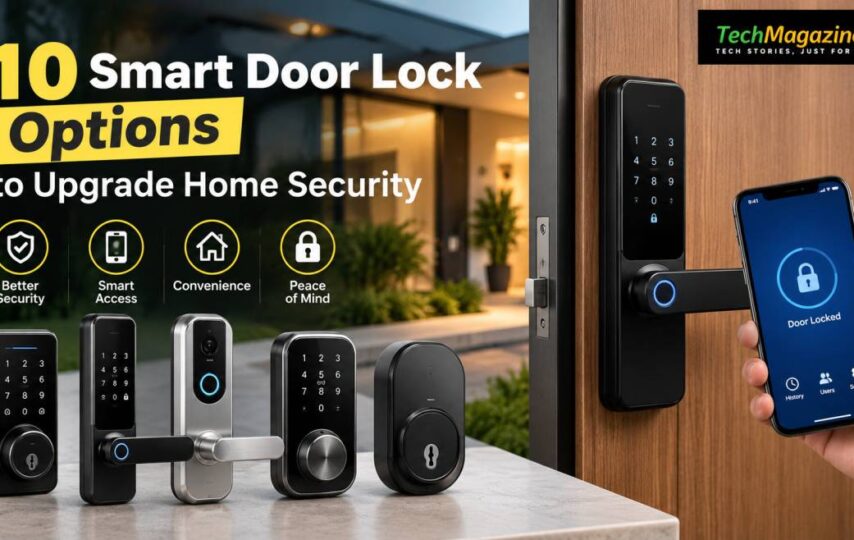

A lock has a simple job: it should keep the door shut to people who should not be coming through it. Smart locks give you more control over that job. Instead of relying on a metal key, they can use fingerprints, codes or a phone, while some also provide records of who entered.
Their appearance is usually suited to newer styles of doors as well. Here are 10 smart door lock ideas to consider for your home.
1. Unlock Your Door With Fingerprint Recognition
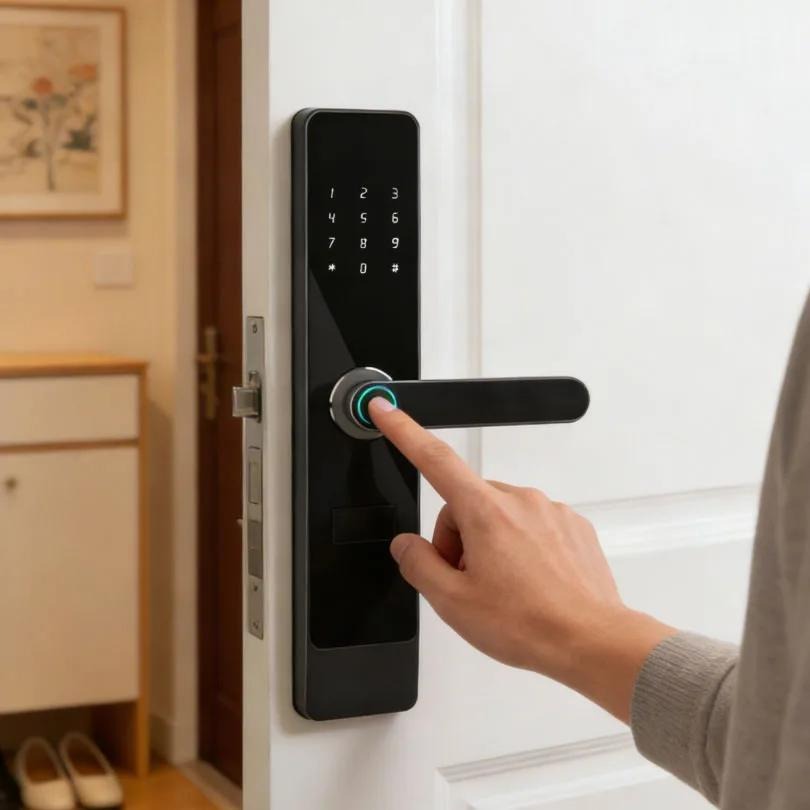
This type of lock uses your finger as the key. Once a fingerprint has been enrolled, placing it on the sensor can release the lock. You do not have to carry anything in your pocket or keep a number in your head. Several users can usually be registered, so different members of the family can enter using their own fingerprints.
2. Secure Your Entrance With a Keyless PIN
A PIN-based lock replaces the usual key with a number entered on a keypad. You can give separate codes to relatives, household staff or other people who have permission to enter. This also removes the need for leaving a spare key somewhere outside. If security is a concern, look for a keypad that conceals the correct sequence from people watching nearby.
3. Manage Your Door Through a Smartphone
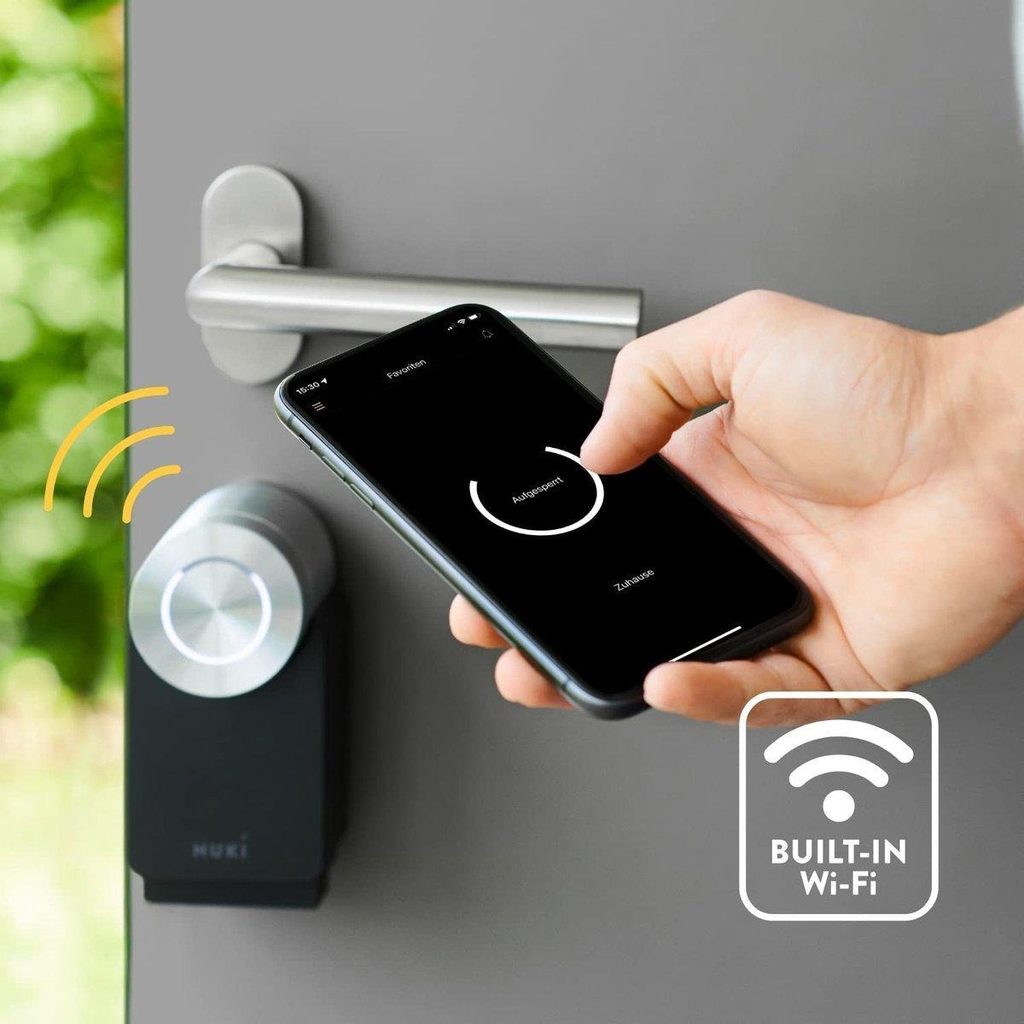
Some locks put the door under the control of an app on your phone. Depending on the model, you can operate the lock from the app and, in some cases, see a history of door activity. This becomes particularly useful when you are out, since you can check the lock without having to return home.
4. Use RFID Cards for Convenient Keyless Entry
Some smart locks work with a card instead of a key. Bring the RFID card or tag close to the reader and the door opens. It is a simple system. Children can use it without dealing with a key, and older family members do not have to remember a code.
5. Combine Fingerprints and PINs for Flexible Access
There is no rule that says a smart lock must offer only one way in. Some models combine fingerprint recognition with a PIN keypad. Use your finger when you want to get inside quickly. Use the code when that is easier. This gives everyone in the household a method that suits them.
6. Give Guests Time-Limited Smart Access
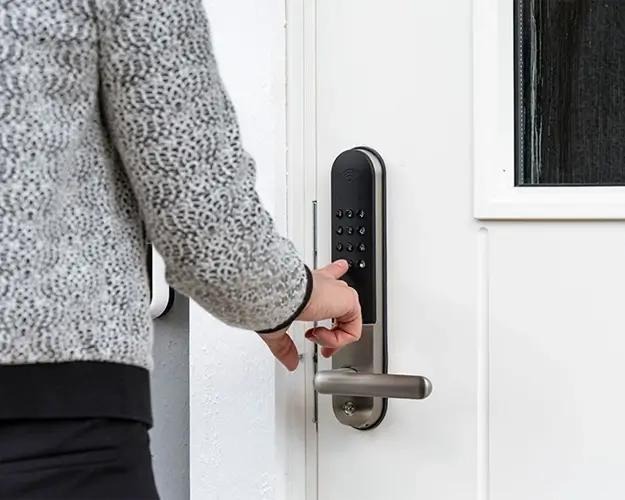
You may not want to give every visitor a permanent way into your home. Some smart locks let you create codes that work for a limited time. Give one to a guest, cleaner or repair worker. Once the visit is over, cancel the code. There is no spare key to lend out or collect later.
7. Stay Connected With a Wi-Fi-Enabled Smart Lock
A Wi-Fi connection lets your phone communicate with the lock wherever you are. Open the app to check the door or control the lock from a distance. Some systems can also alert you when the door opens or closes. Frequent travellers may find this useful when they need to keep an eye on the house from afar.
8. Let Your Smart Lock Secure the Door Automatically
Some locks take care of the final step themselves. Once the door closes, the mechanism engages the lock without requiring another action from you. That can prevent the simple mistake of leaving home with an unsecured door. It is a useful feature for people who are often in a rush when they leave.
9. Keep a Backup Entry Option for Emergencies
A smart lock can fail, just as any other device can. The battery may die at the wrong moment. For this reason, some models provide a physical key or another way to supply power from outside. Check these safeguards before you buy. A clever lock is of little use if you cannot open the door when its power is gone.
10. Add a Doorbell Camera for Extra Entry Security
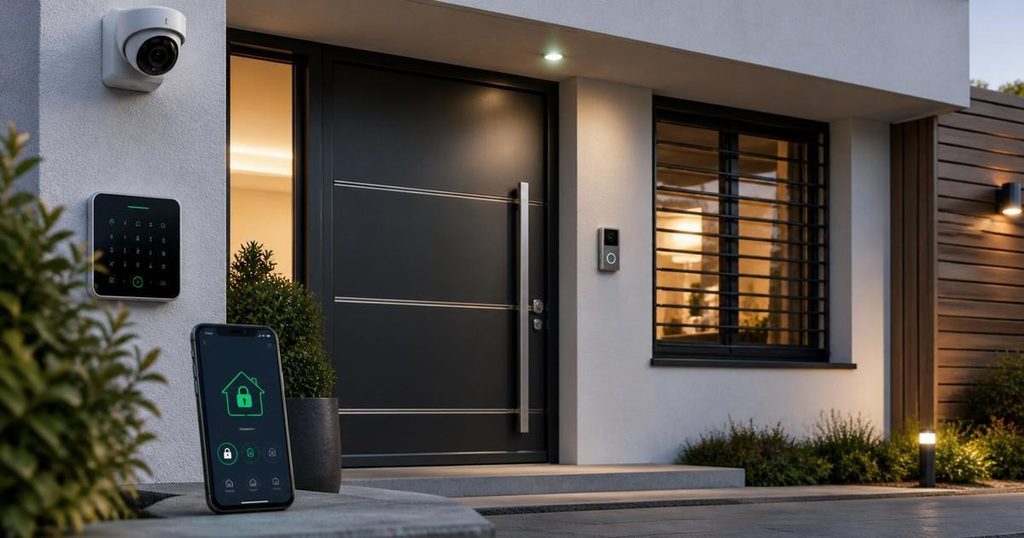
You can also link a smart lock with a camera or video doorbell. The camera shows you who is waiting outside before you decide what to do. You can check the visitor first and then allow entry if necessary. This gives you another line of defence at the main entrance.
Conclusion
Whether it’s fingerprints, PINs, or phone apps, there are many options to eliminate the old key without compromising control. Smarter does not necessarily mean better, though. The right lock is determined by the user of the door, the frequency of access and what occurs when technology has a bad day.
You don’t want to end up with a locked front door at the start of a meeting .Nobody wants to get in the middle of a meeting with a locked front door. In the end, the ideal smart lock is the one that suits your lifestyle, provides valuable security, and most importantly, makes your home entrance a hassle-free routine.
FAQs
1. Are fingerprint smart locks convenient for families?
Yes. Fingerprint locks can be used by registered users to open the door using their own fingerprints, without the need to carry keys or remember PINs. This is great for families with several members as they can be signed up at once.
2. Can smart locks be controlled remotely?
Some Wi-Fi and mobile app managed smart locks enable users to control or inspect the lock from their mobile phone. Some models may also offer door activity logs or alarms for door opening and closing. This means that you can monitor your door from afar.
3. Can smart locks provide temporary access to visitors?
Yes. Some smart locks allow temporary codes to be created for guests, cleaners or repair workers. These codes can be cancelled after the visit and no need to give a spare key and then wonder where it went.
4. What happens if a smart lock runs out of power?
Some models have an emergency key or an external means of providing power. Purchasers should investigate these secondary options before buying a lock.